
 View & download
iPhone Duo Black Sand
LandscapesCover 1398×2034
Inner 2670×1878
Inner 2670×1878
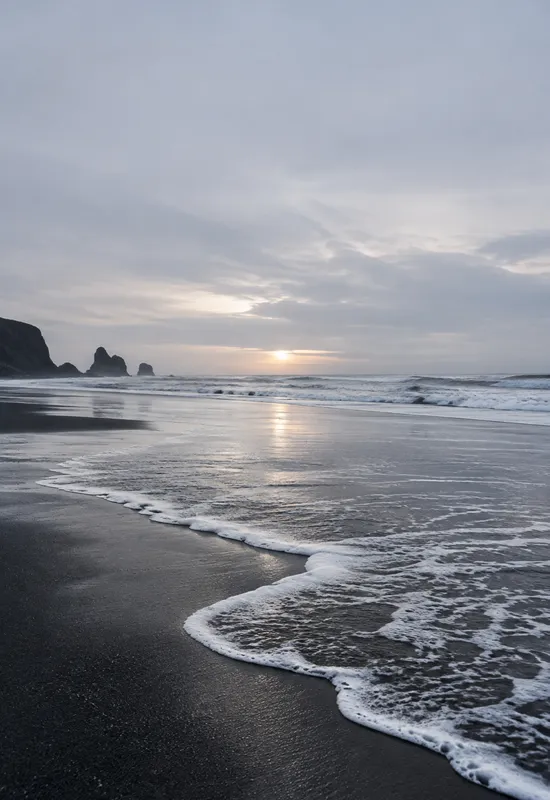
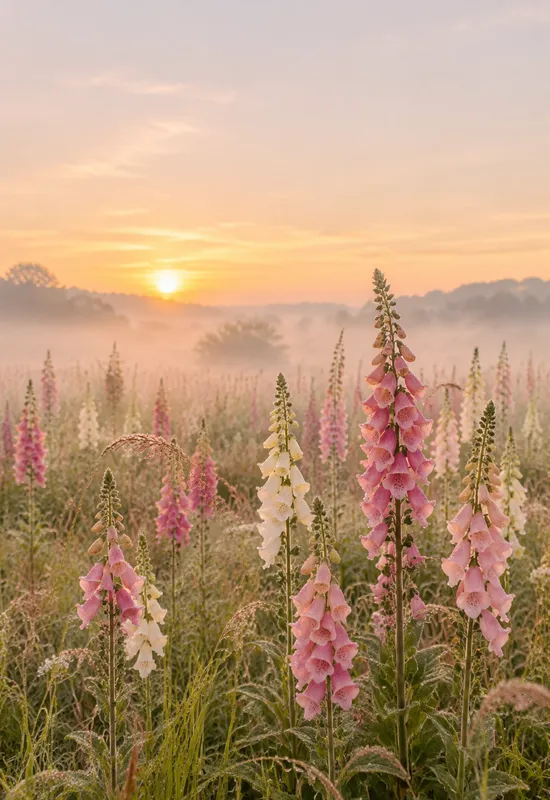
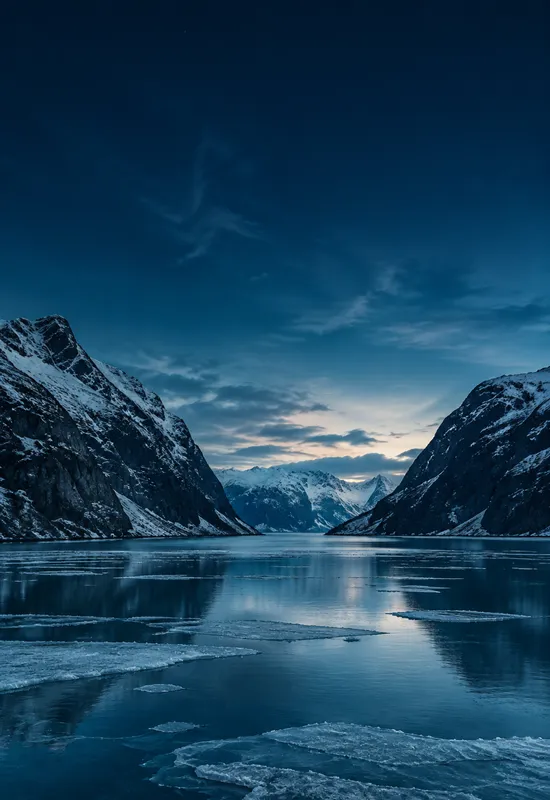
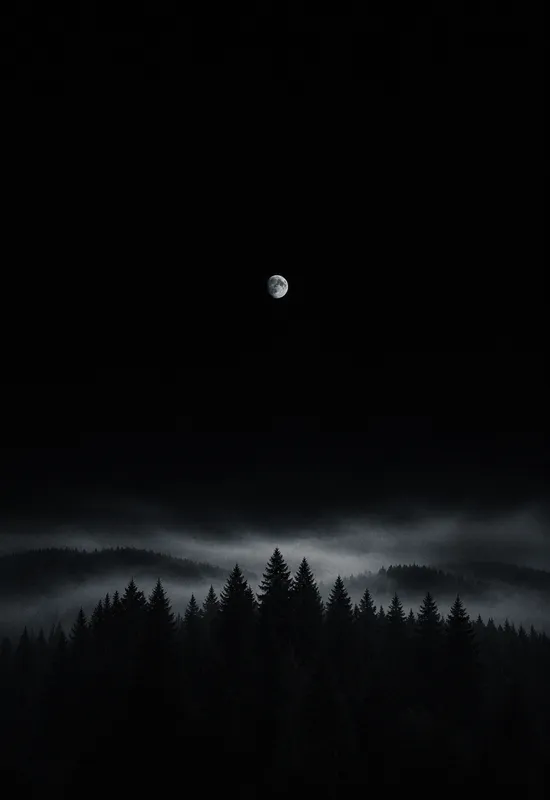
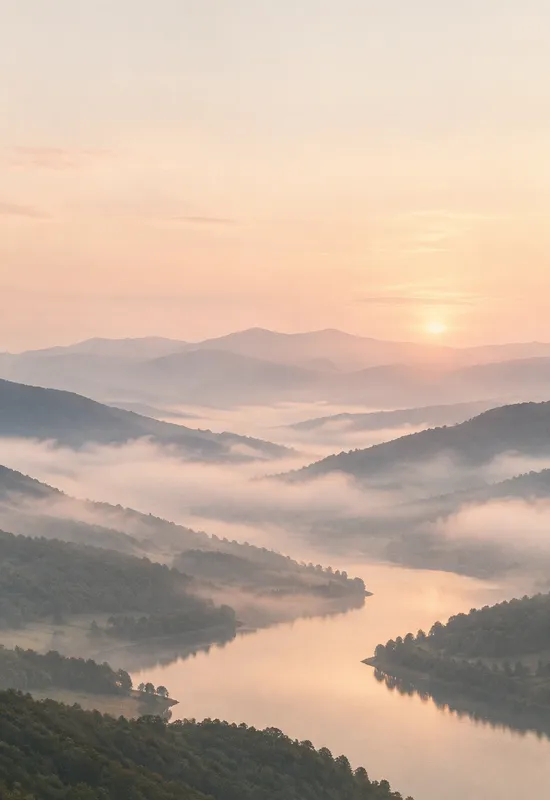
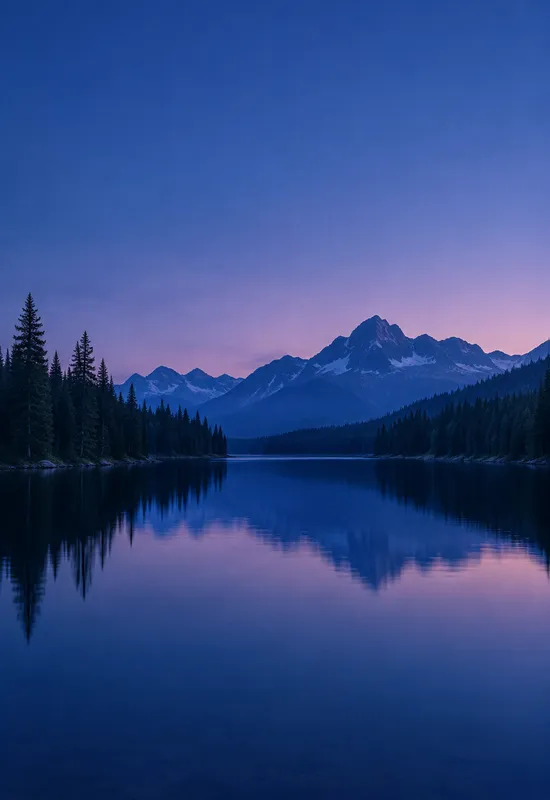
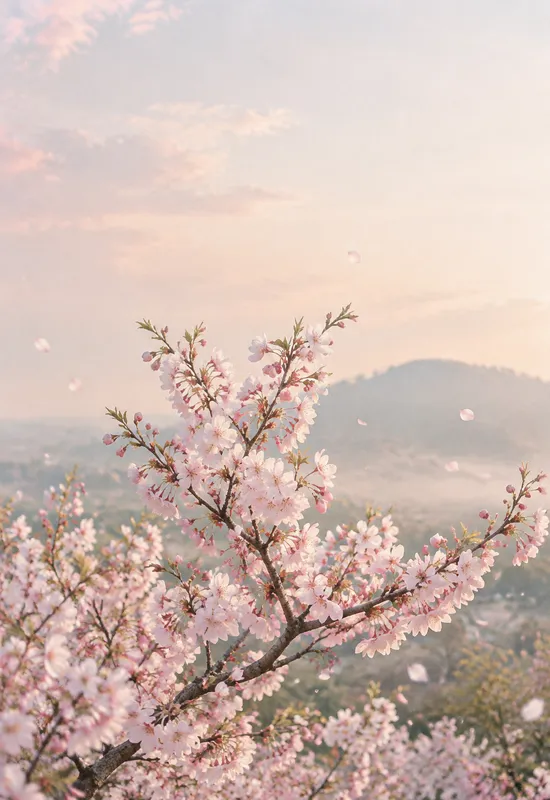
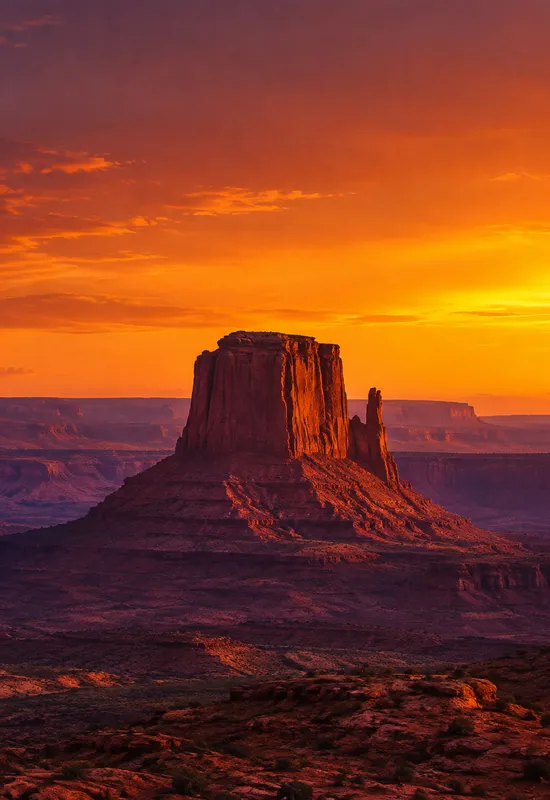
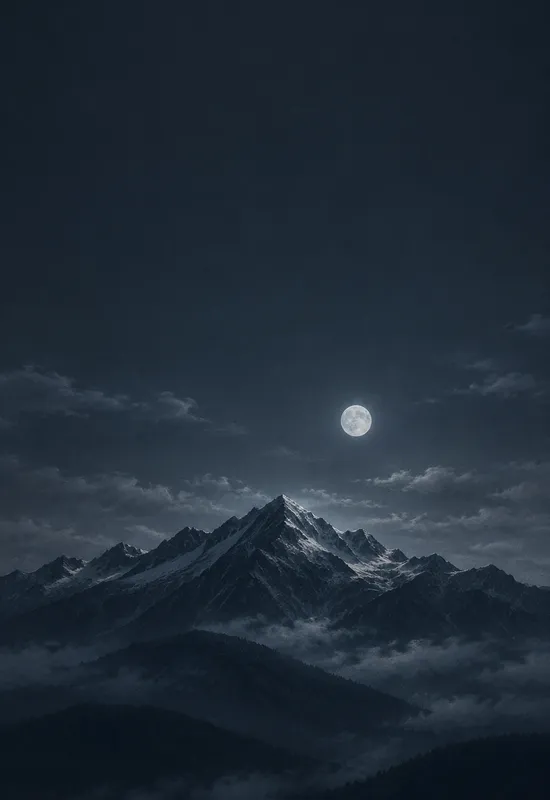
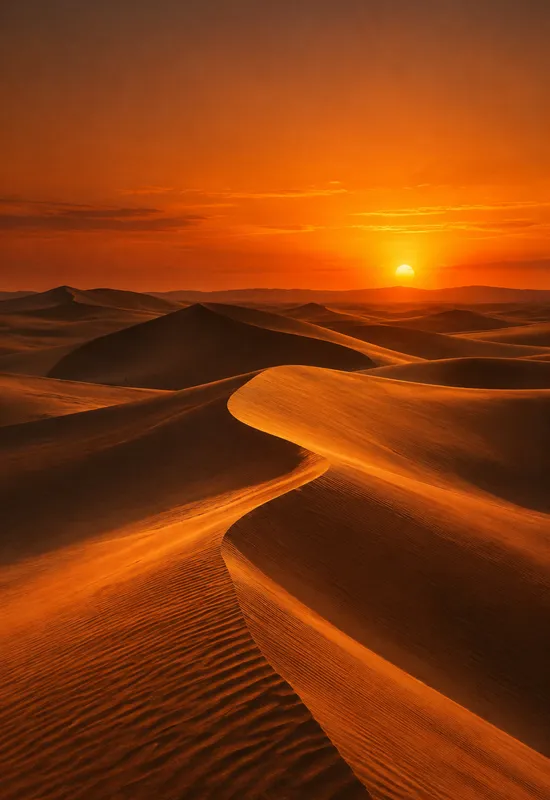
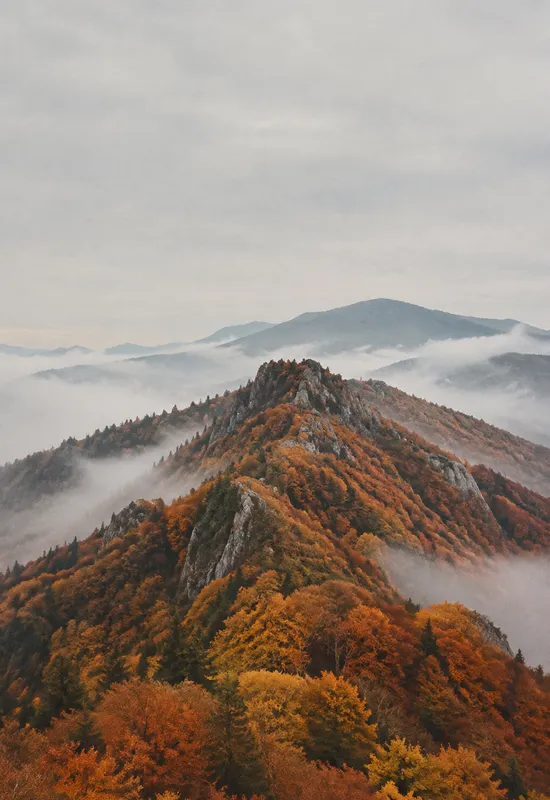
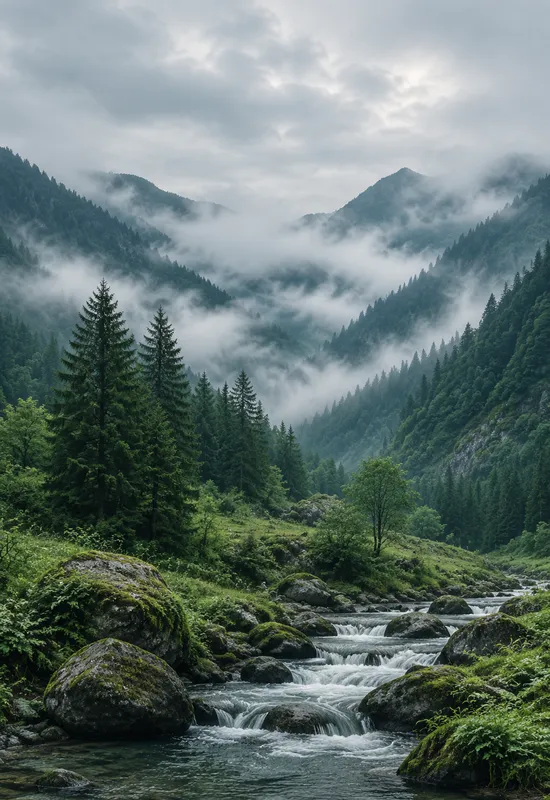
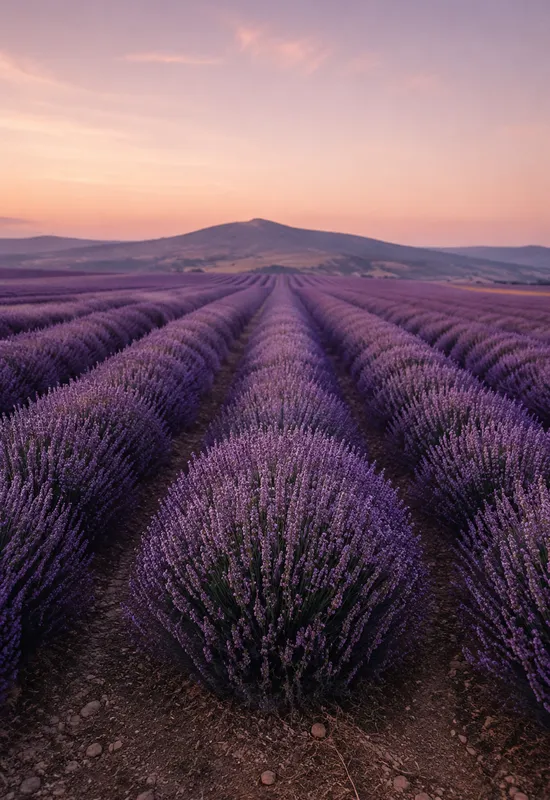
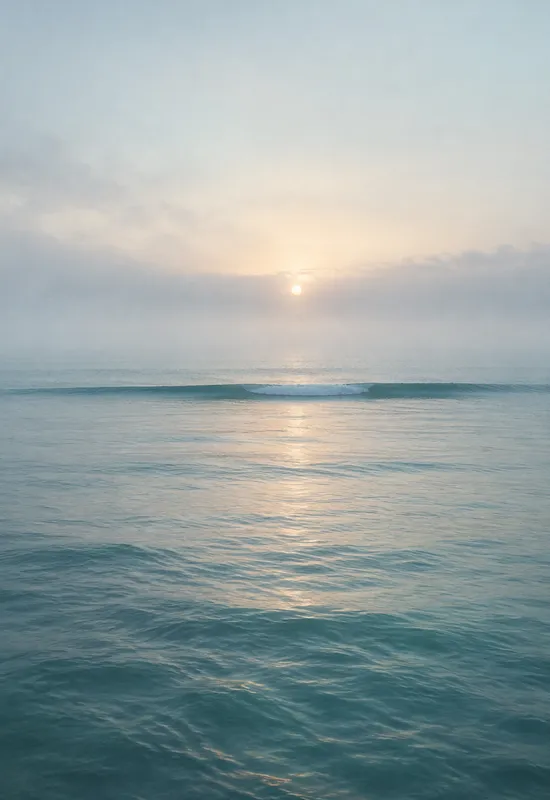
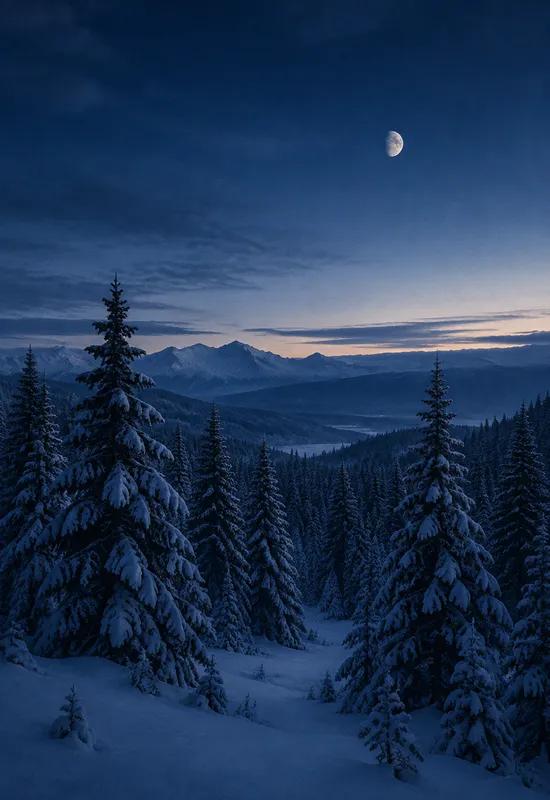
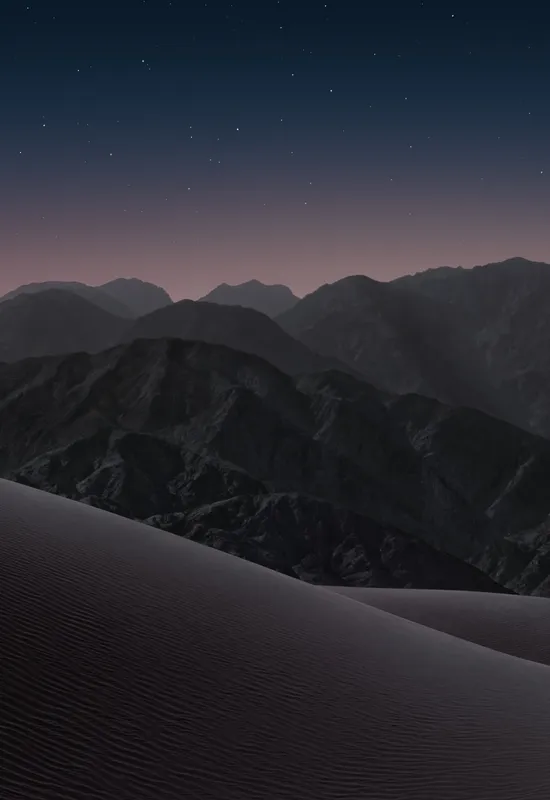
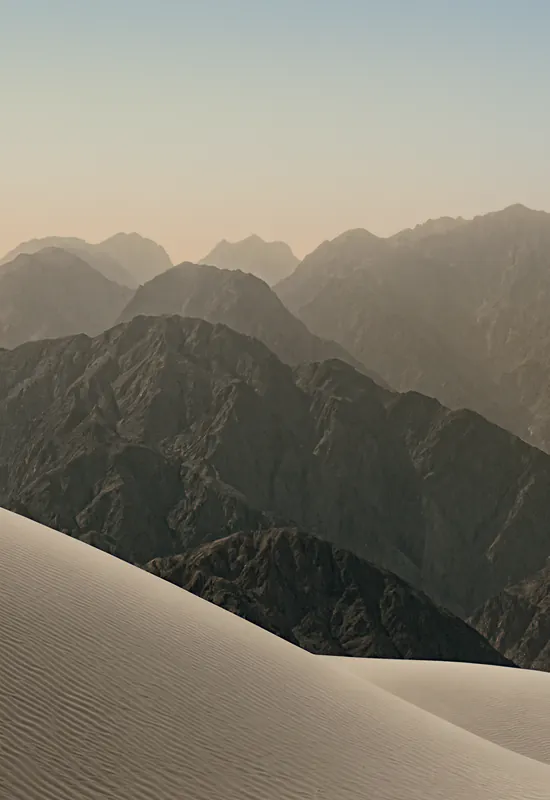
Nature is the largest family in the catalog, and the easiest to get wrong on a folding phone. A scene that reads well as a tall cover can lose its horizon when it opens into a wide inner display. Every set here is one artwork exported for both screens, with the horizon and focal point checked in each crop. Download the Cover, the Inner, or the pair as a ZIP.
Last reviewed: November 12, 2026 · Released November 12, 2026 · Editorial policy
30 sets, each with a Cover and an Inner original.
View & download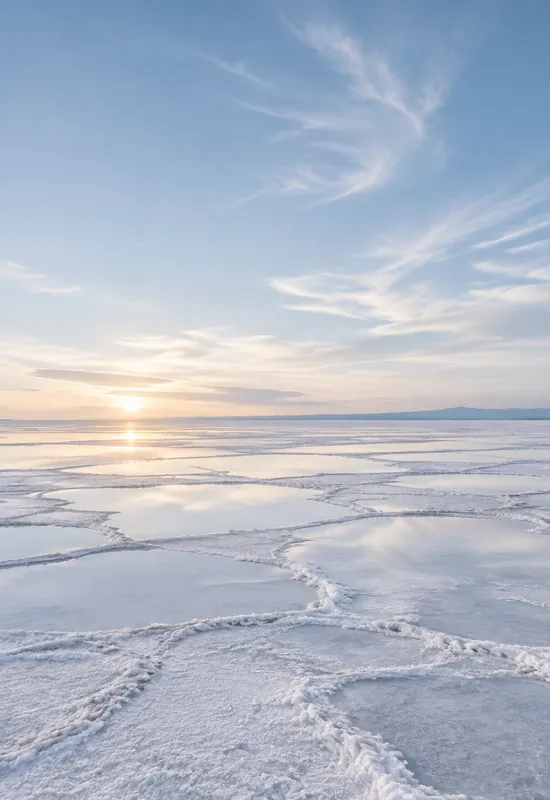 View & download
 View & download
 View & download
 View & download
 View & download
 View & download
 View & download
 View & download
 View & download
 View & download
 View & download
 View & download
 View & download
 View & download
 View & download
 View & download
 View & download
 View & download
 View & download
 View & download
 View & download
 View & download
 View & download
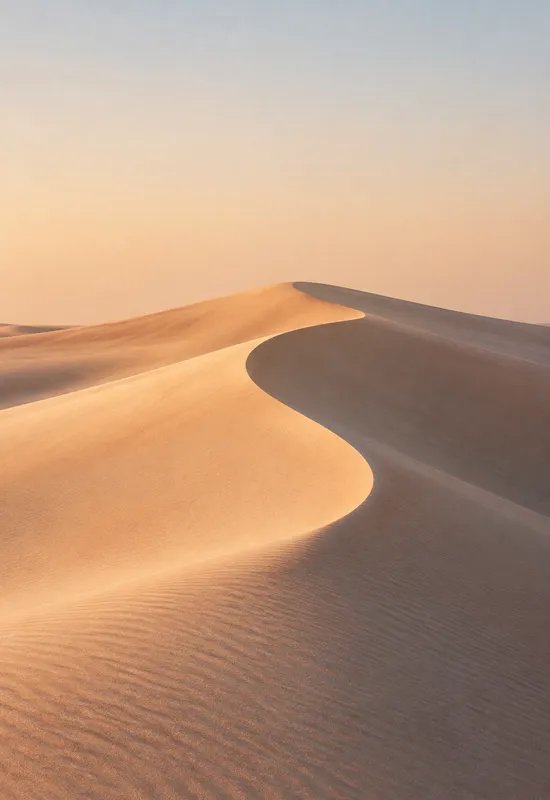 View & download
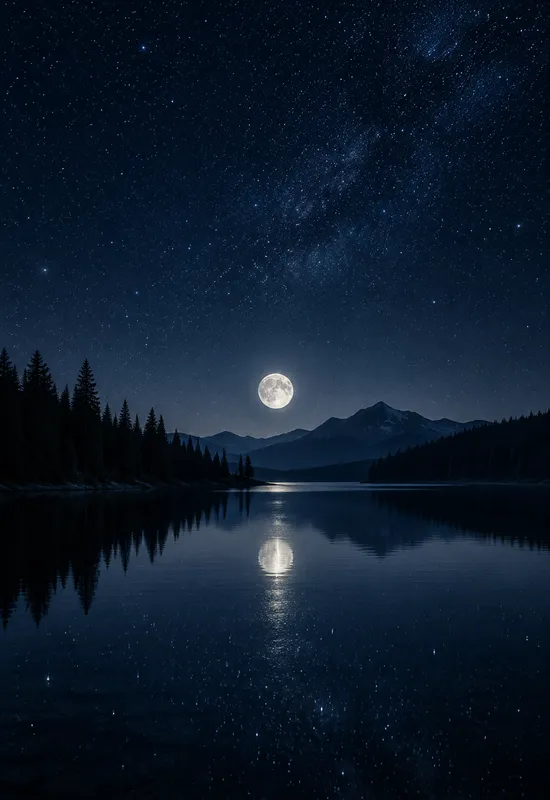 View & download
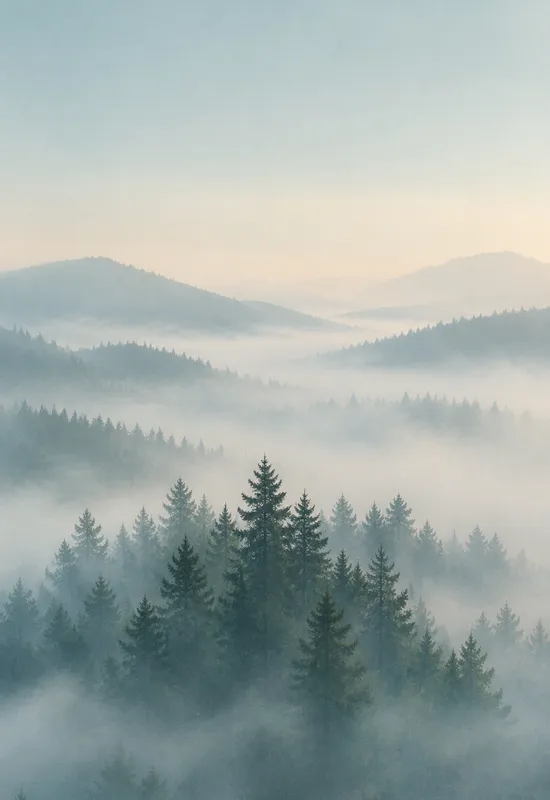 View & download
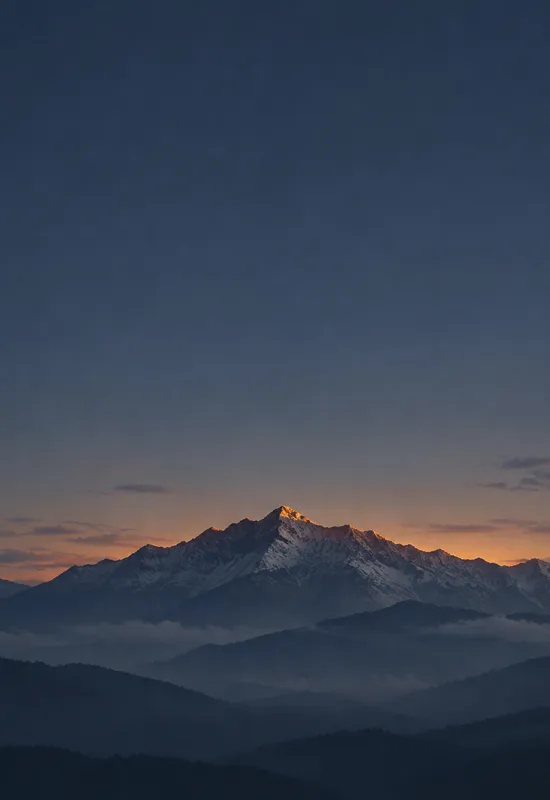 View & download
 View & download
 View & download
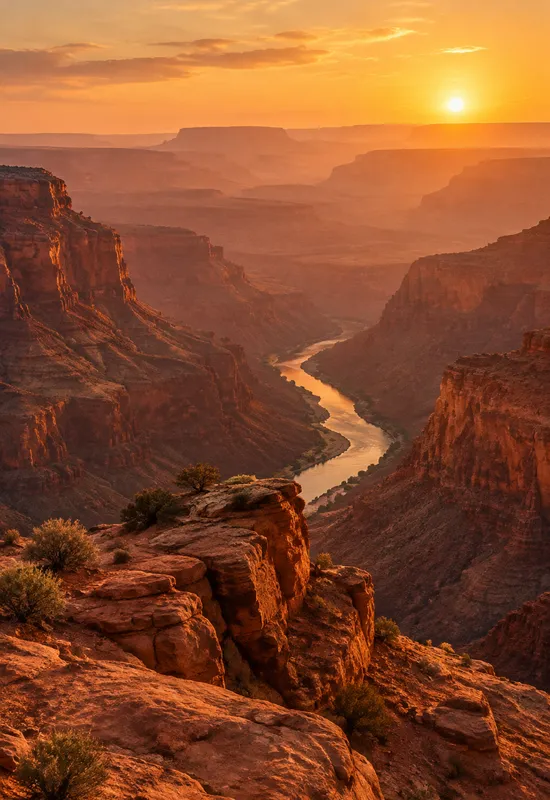
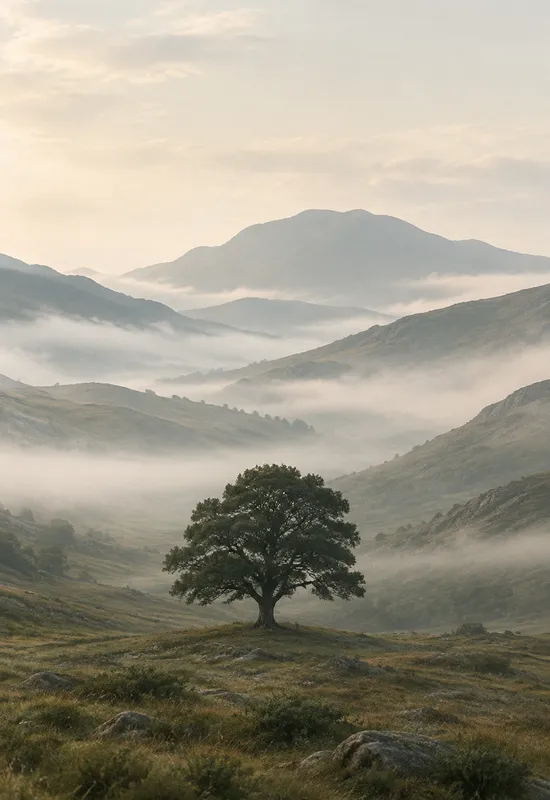
A landscape wallpaper lives or dies on its horizon. Put it too high on the cover and the sky becomes a thin strip; put it too low and the clock sits on top of the brightest part of the scene. The sets in this collection keep the horizon in the lower half of the portrait crop, so the upper third stays calm enough for the clock and status area. On the inner display, the same horizon opens sideways instead of stretching, which is why the wide version still feels like a place rather than a resized photo.
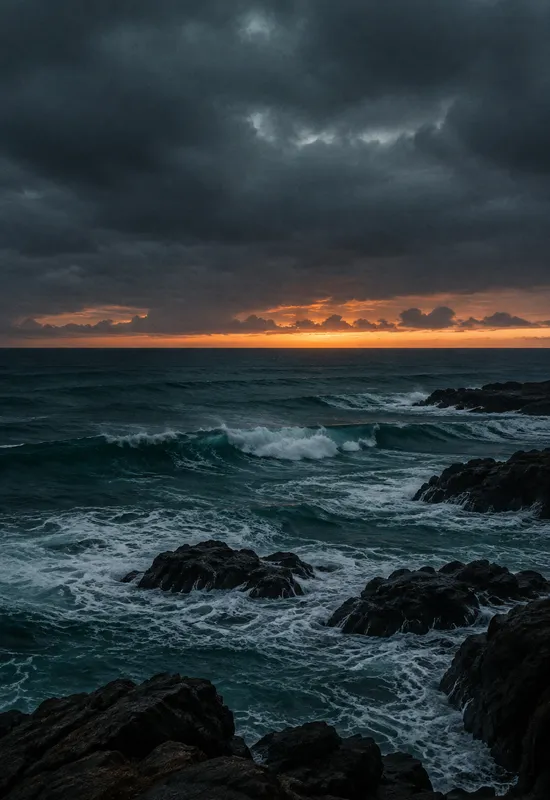
The mountain and ocean sets handle this differently. Alpine Dusk and Cloud Inversion rely on layered ridges, so the horizon is a soft transition rather than a hard line. Frozen Fjord and Arctic Shore use a crisp waterline, which gives the wide crop a stronger direction. Both approaches work, but they suit different home screens: a soft horizon is quieter, while a crisp one gives the display more structure.
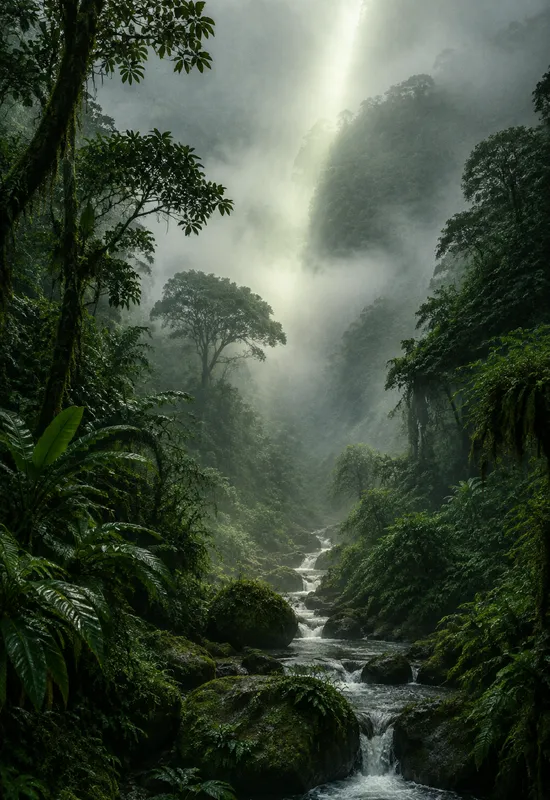
The collection is deliberately broad because nature searches are broad. Forest sets such as Misty Pines and Rainforest Fog lean green and quiet; ocean sets such as Ocean Mist and Coral Tide stay cool and open; desert sets such as Amber Desert and Sunset Mesa bring warm sand and long shadows. The seasonal group is smaller but distinct: Cherry Blossom for spring, Autumn Ridge for autumn, and Winter Pines for the coldest months.
Start with the palette you already use on the rest of your phone. A warm desert set pairs naturally with a cream or amber widget stack, while a blue fjord or ocean set leaves more room for cool-toned icons. If you change wallpapers often, the collection is also organized so that two sets from the same family can be swapped without changing the overall mood of the home screen.
The cover crop is not just a smaller version of the inner file. It has a different job: protect the clock, the date, and the camera cutout. The sets here place their brightest detail below the top third and keep the camera area in a dark sky, a soft cloud, or a low-contrast field. That is why a sunrise can still work as a cover wallpaper even though the sky is bright: the sun itself sits low, and the upper sky stays graded and calm.
If you recrop a nature image yourself, check three things before saving: the clock text against the sky, the camera cutout against the busiest part of the scene, and the bottom edge against the dock. A wallpaper can look superb in a preview and still fail all three on the actual phone.
The inner display is where a landscape has room to breathe, but width alone does not make a good wide image. A single mountain stretched across the screen can leave two empty corners; a field of flowers repeated in the center can feel like a pattern. The inner files here add horizontal information: a ridge that continues, a shoreline that leads sideways, or a cloud layer that fills the edges without competing with the middle.
That horizontal structure also helps with widgets. A low horizon leaves the upper half of the inner screen readable, and a calm center keeps split-screen apps from fighting the artwork. If you use a lot of widgets, start with a set that has a soft middle, such as Ocean Mist or Highland Mist, rather than a scene with a strong central peak.
One line on each set, so you can compare them before opening a page.


