AMOLED iPhone Duo Wallpapers
AMOLED wallpapers are built around true black. On an OLED display, a pixel showing pure black is switched off, so a mostly black wallpaper can reduce light output and keep the interface crisp. These sets keep the subject small and the black areas large, with a matching file for each Duo display.
Last reviewed: October 28, 2026 · Released October 29, 2026 · Editorial policy
Wallpapers in this collection
10 sets, each with a Cover and an Inner original.
View & downloadSpacePNG · 1398×2034
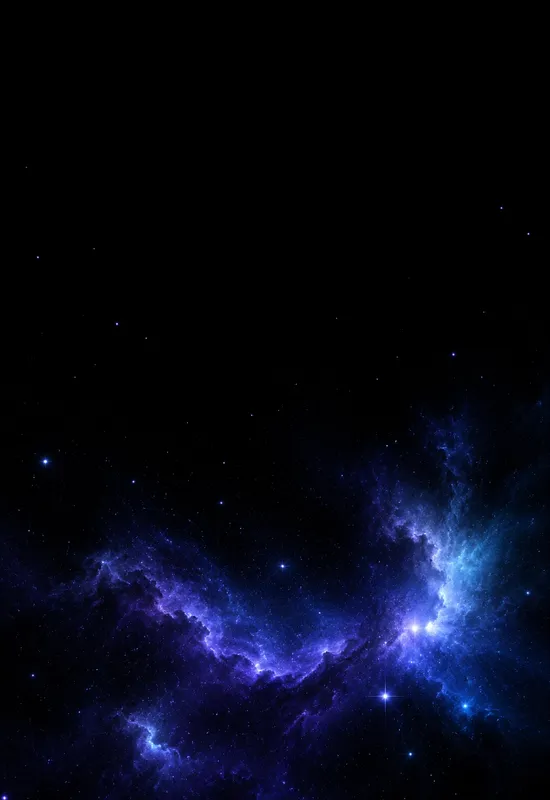
View & downloadiPhone Duo Nebula Drift
SpacePNG · 1398×2034
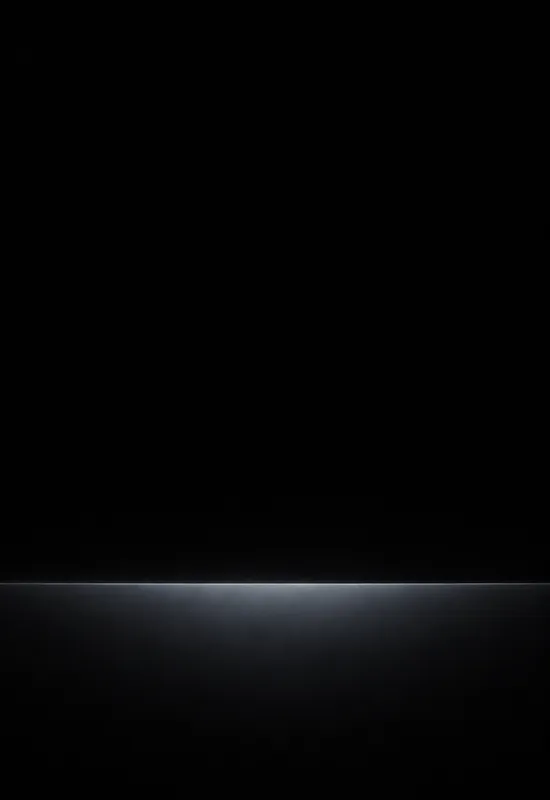
View & downloadiPhone Duo Black Horizon
MinimalPNG · 1398×2034
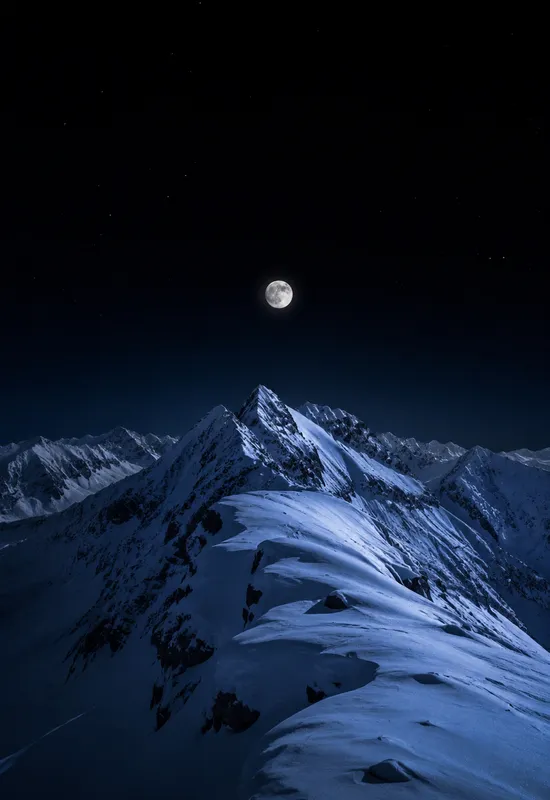
View & downloadiPhone Duo Alpine Night
LandscapesPNG · 1398×2034
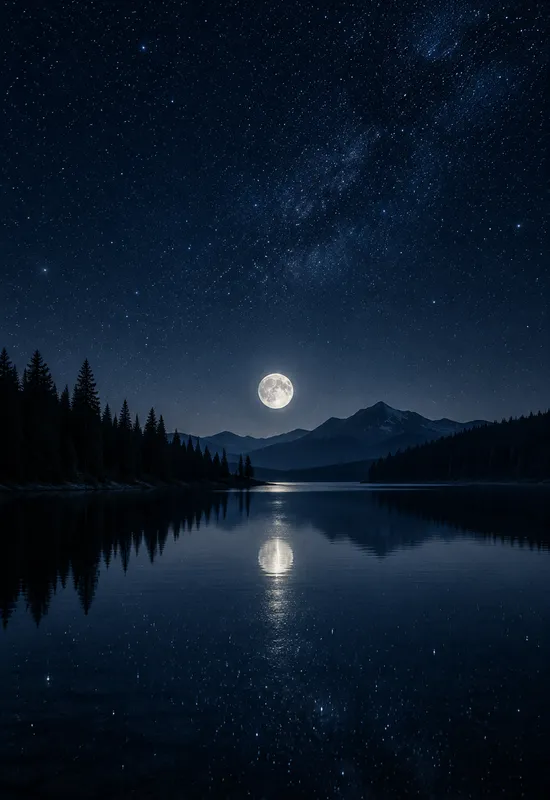
View & downloadiPhone Duo Midnight Lake
LandscapesPNG · 1398×2034
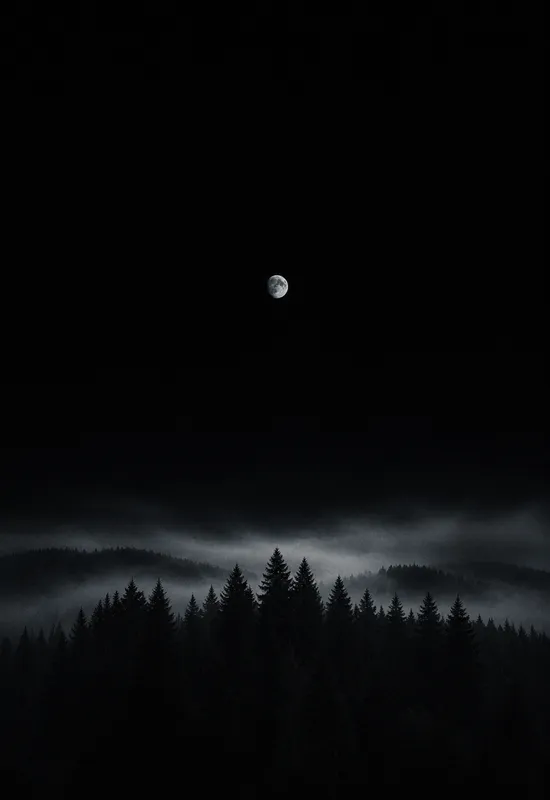
View & downloadiPhone Duo AMOLED Forest
LandscapesPNG · 1398×2034
View & downloadiPhone Duo Ink Ridge
AbstractPNG · 1398×2034
View & downloadiPhone Duo Starfield Minimal
SpacePNG · 1398×2034
View & downloadiPhone Duo Aurora Veil
SpacePNG · 1398×2034
View & downloadiPhone Duo Dark
LandscapesJPG · 1398×2034
How to choose
What AMOLED changes about a wallpaper
On an OLED display, each pixel produces its own light. A pixel showing pure black is switched off, so a wallpaper with large black areas can reduce light output and, in some cases, power use. This collection is built around that property rather than treating black as just another dark colour.
The sets here are not all pure black. Some use a true-black sky with a small subject, while others keep a near-black base with texture. The difference matters: a near-black pixel is still emitting light, so it will not switch off. If the goal is a screen that disappears into the bezel, start with the true-black sets.
True black vs near-black
True black is the darkest value the panel can produce, and it is the value that allows a pixel to switch off. Near-black is a very dark grey or blue; it can look black in a dark room, but the pixel is still on. A photograph rarely contains true black, and compression can lift the shadows, which is why a dedicated AMOLED wallpaper is composed differently from a dark landscape.
The AMOLED sets in this collection use large fields of true black and keep the subject small. The fog, stars, and aurora ribbons are placed away from the top edge so the clock stays readable. If you want a dark wallpaper with more colour, the deep-blue and charcoal sets in the dark collection are a better fit.
Why the subject stays small
A large bright subject would defeat the purpose of an AMOLED wallpaper. The sets here keep the moon, the aurora, or the tree line small relative to the black field. That gives the screen a focal point without lighting up the whole panel.
The composition also has to work on two displays. The cover uses the black field to protect the clock; the inner uses it to create depth around the wider scene. The subject is placed so it can be cropped without losing the mood.
Battery expectations
A true-black wallpaper can reduce power in the black areas, but it is not a battery life fix on its own. Screen brightness, refresh rate, and the apps you use have a much larger effect. Treat the saving as a bonus: the parts of the screen showing black cost less, so you get a small improvement without giving anything up.
The visual benefit is easier to notice than the battery benefit. On an OLED panel, true black blends into the bezel and makes the display feel larger. If that is what you want, choose a set with a large black field and a small subject; if you want more colour, use a dark landscape instead.
Set-by-set notes
One line on each set, so you can compare them before opening a page.
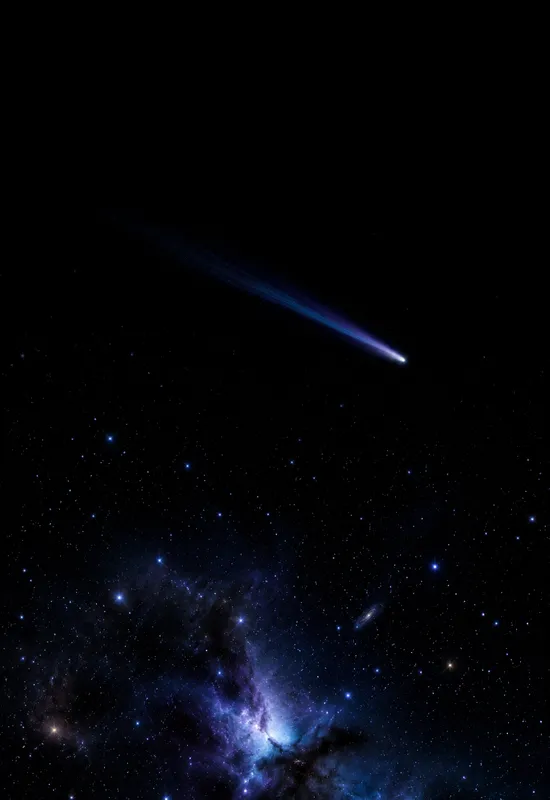
- iPhone Duo Comet Trail — A single comet trail across a true-black sky, with a soft white head and a violet tail. The cover keeps the top black for the clock, and the inner carries the trail across the wide display.
- iPhone Duo Nebula Drift — A faint blue-violet nebula across a true-black sky, with sparse stars. The cover keeps the top black for the clock, and the inner carries the nebula across the wide display.
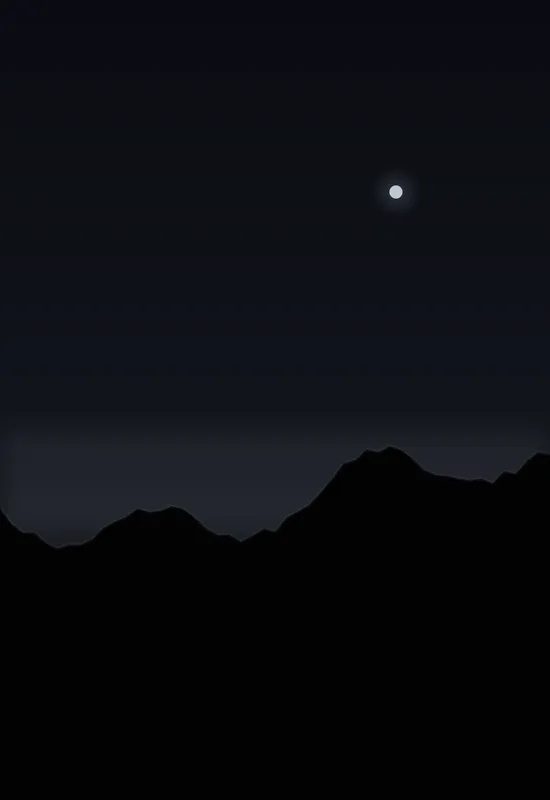
- iPhone Duo Black Horizon — A true-black field with a single thin charcoal horizon and a faint glow. The cover keeps the top black for the clock, and the inner carries the horizon across the wide display.
- iPhone Duo Alpine Night — A snowy alpine ridge at night, with a clear sky and a low moon. The cover keeps the top black for the clock, and the inner carries the ridge across the wide display.
- iPhone Duo Midnight Lake — A still lake at midnight, with a low moon and stars reflected in the water. The cover keeps the sky dark for the clock, and the inner carries the reflection across the wide display.
- iPhone Duo AMOLED Forest — A near-black pine forest under a small moon, with large pure-black areas for OLED. The cover keeps the top black for the clock; the inner carries the low fog across the wide display.
- iPhone Duo Ink Ridge — A single ridge line drawn in near-black ink, lit by a faint moon and two bands of low fog. The composition stays dark enough for white text and leaves the cover camera area almost empty.
- iPhone Duo Starfield Minimal — A quiet starfield with a single faint nebula. Most of the canvas stays pure black so OLED pixels can switch off, while the cover leaves the top edge calm for the clock and status area.
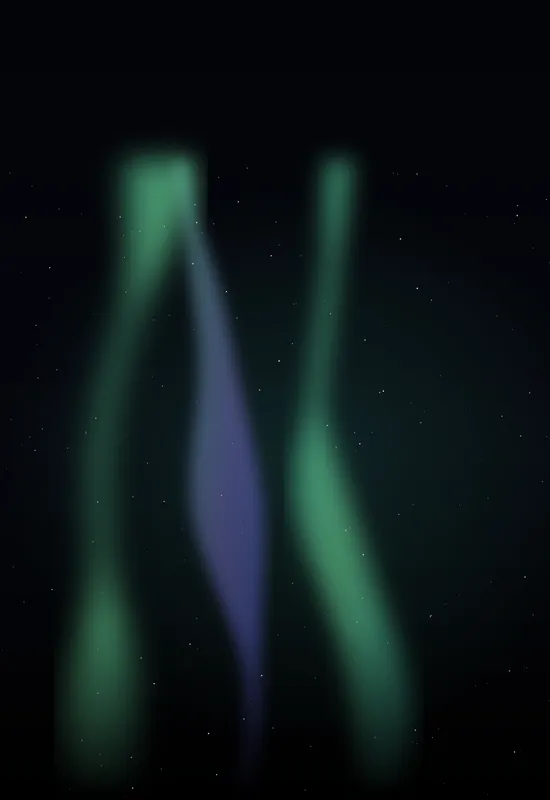
- iPhone Duo Aurora Veil — Aurora ribbons drift across a true-black sky, with just enough stars to keep the inner display from feeling empty. The cover keeps the top quarter clear for the lock-screen clock, and the dark base is designed for AMOLED panels.
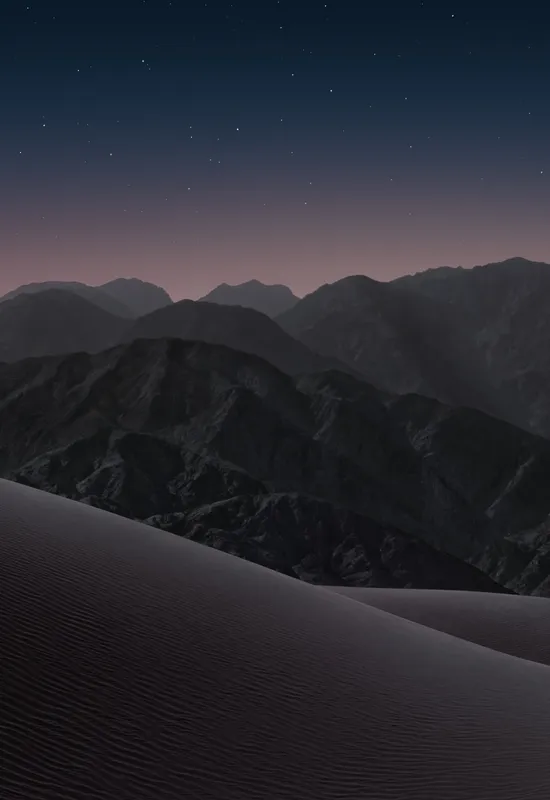
- iPhone Duo Dark — A near-black mountain range built for the Duo's dark canvas. Deep, low-contrast tones keep the interface legible over the wallpaper, and the restrained highlights sit away from the cover screen's camera cutout.
Frequently asked questions
- What is an AMOLED wallpaper?
- It is a wallpaper designed for OLED panels, with large areas of true black (pixel value zero) rather than dark grey. Those areas let the display switch pixels off instead of dimming them.
- Do these wallpapers actually save battery?
- They can reduce power in the black areas, but screen brightness has a much larger effect. Treat the battery benefit as a bonus rather than the main reason to choose a dark wallpaper.
- How do I check whether a wallpaper is truly black?
- Open it full screen and look at the darkest area. If it reads as a flat, ink-like void without noise or a grey wash, it is close to true black. The file details on each wallpaper page list the original format and dimensions.
- Are the Cover and Inner files both true black?
- Each set is exported from the same artwork, so both displays share the same black base. Check the individual set description if you need a specific composition or subject placement.