
 View & download
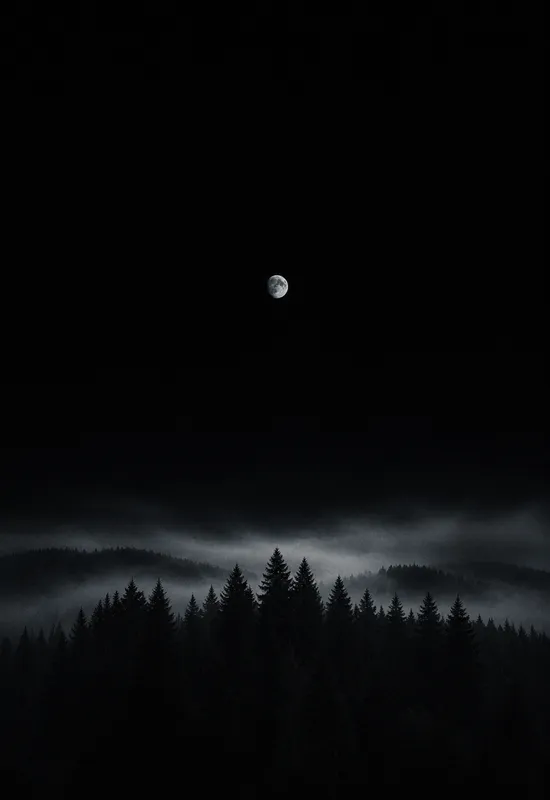
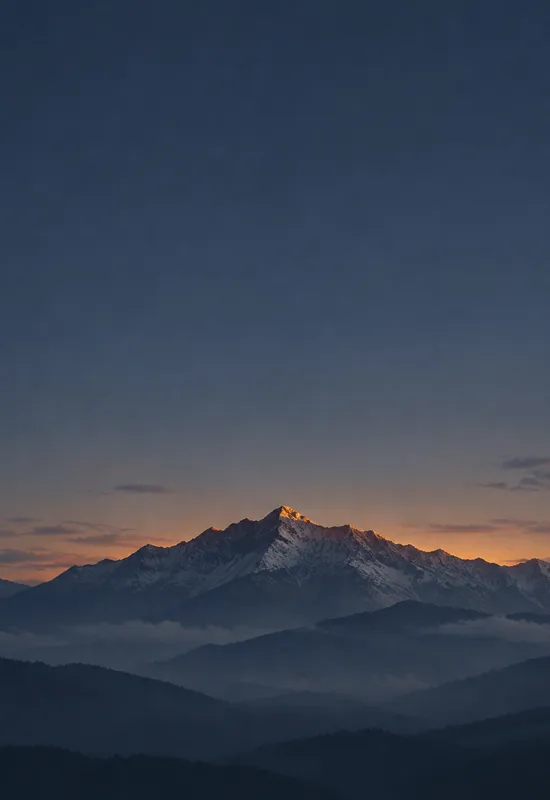
iPhone Duo AMOLED Forest
LandscapesPNG · 1398×2034
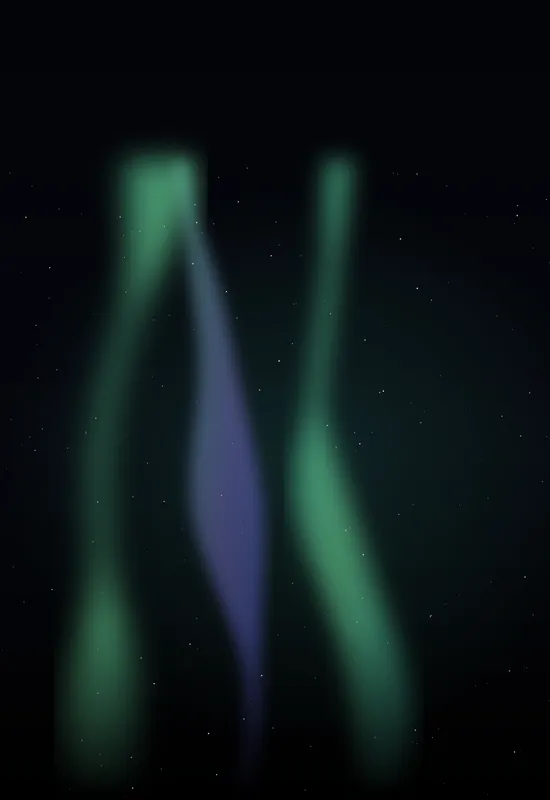
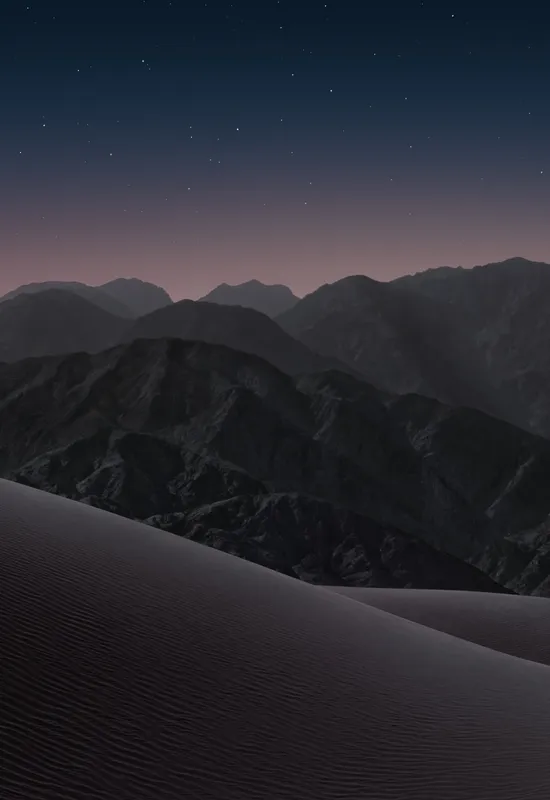
A dark wallpaper is the calmest way to use the Duo's two screens: the cover screen stays quiet when closed, and the inner display keeps the interface legible when open. Every set here is one artwork exported for both displays, so you never have to match two files by hand. Download either file or take the pair as a ZIP.
Last reviewed: October 28, 2026 · Editorial policy
8 sets, each with a Cover and an Inner original.
View & download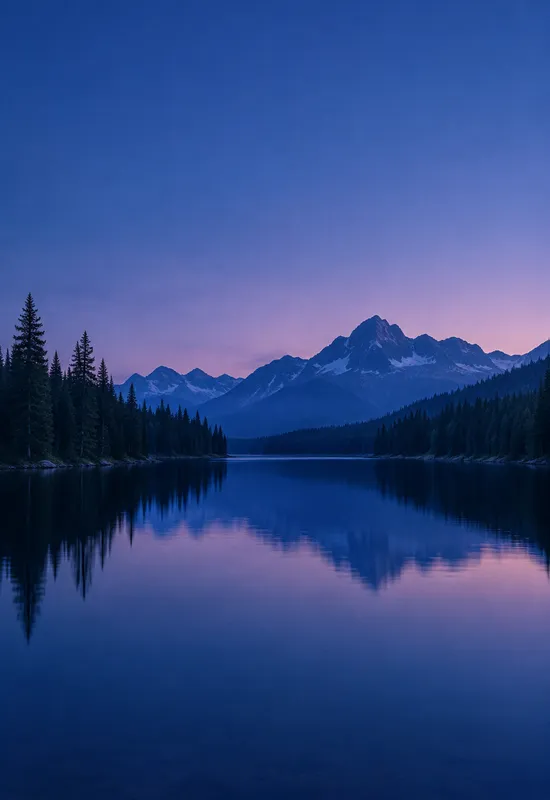 View & download
 View & download
 View & download
 View & download
 View & download
 View & download
 View & download
Dark is not the same as black. A good dark wallpaper still has a subject, a direction, and enough tonal separation to keep the interface legible. On the Duo, the cover screen is tall and the inner display is wide, so the same artwork has to work in two very different crops. The sets in this collection are chosen for that balance: dark enough to sit behind white text, but not so flat that the screen looks empty.
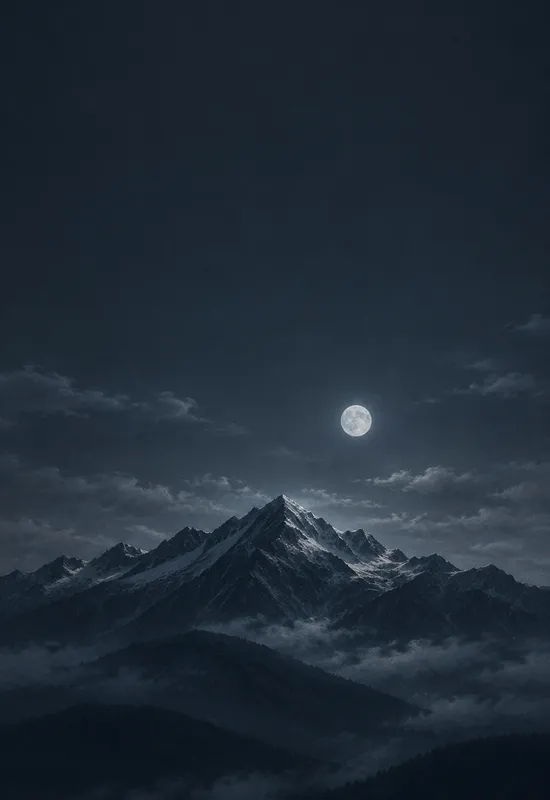
The darkest sets, such as AMOLED Forest and Starfield Minimal, use true black so OLED pixels can switch off. The blue and charcoal sets, such as Alpine Dusk and Blue Hour Lake, keep more colour and texture. Neither approach is better; they solve different problems. True black is for people who want the screen to disappear; deep colour is for people who want a scene that still reads at night.
The cover file is a portrait crop, and the top of that crop is where the clock, date, and status information sit. A bright moon, a white peak, or a hard highlight in that area will compete with the clock. Each set here keeps the top of the cover relatively quiet, either with a dark sky or a soft gradient, and places the brightest detail lower in the frame.
The camera cutout is the other fixed obstacle. On the cover, it sits near the top of the display. The sets in this collection are composed so the cutout lands in a dark or low-detail area. If you recrop, check both the clock field and the camera area before you confirm.
When the phone opens, the inner display is much wider than the cover. A wallpaper that works as a narrow portrait can feel empty when stretched across that width. The inner files here add horizontal structure: a ridge line, a reflection, a band of fog, or a field of stars. The subject is spread across the display instead of being repeated in the center.
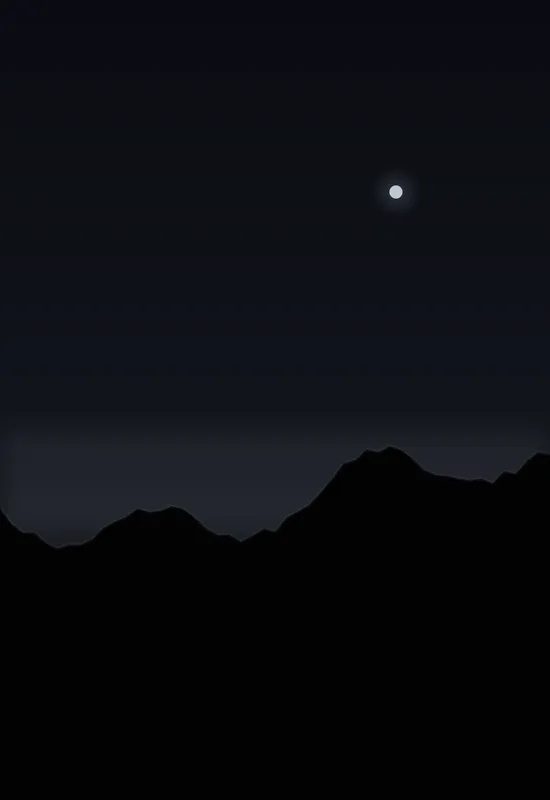
The wide crop also leaves room for widgets and split-screen apps. A calm upper area and a low horizon keep the interface readable without hiding the artwork. If you use a lot of widgets, choose a set with a quieter middle, such as iPhone Duo Dark or Ink Ridge.
If your main goal is OLED efficiency, start with the AMOLED sets. Their backgrounds are built around pixel value zero, so large areas of the screen can switch off. The battery benefit is real but smaller than lowering screen brightness; the bigger benefit is the way black content sits on the panel without a grey glow.
If you want a wallpaper that still feels like a photograph, choose a deep blue or charcoal set. These use visible colour and texture, which makes the image more interesting in daylight but less effective at switching pixels off. You can also mix approaches: a true-black cover for the lock screen and a deep-colour inner for the open display.
One line on each set, so you can compare them before opening a page.


