Cover display
Outer screen · portrait
1398 × 2034 px · PNG · 3.2 MB
Download PNGPublished September 1, 2026 · Last reviewed October 28, 2026
Maintained by the iPhone Duo Wallpapers editorial team · Editorial policy
On iPhone: Save to Photos → Save Image. If the share sheet does not appear, open the image and long-press → Add to Photos. How to set it
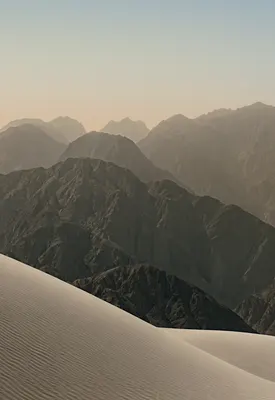
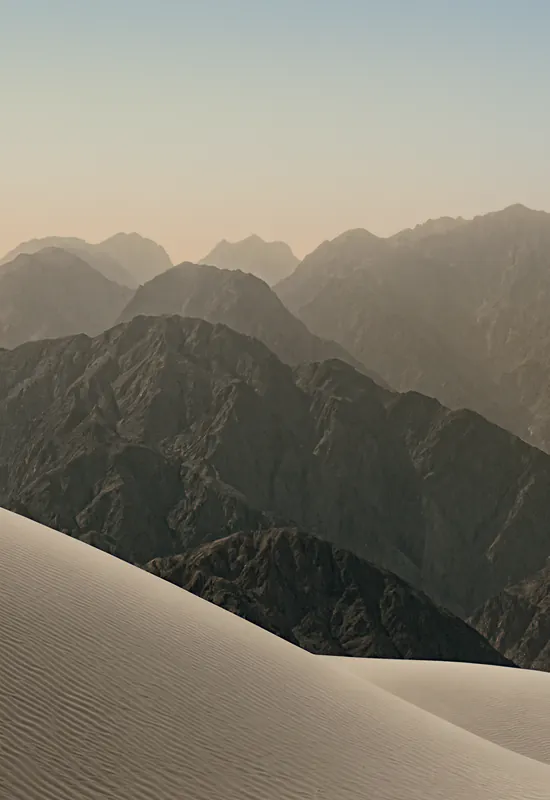
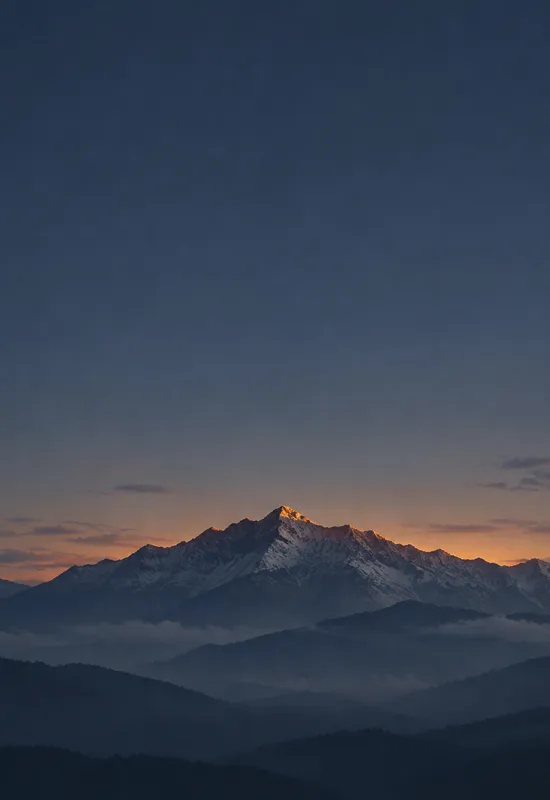
iPhone Duo Light is the original light set: a calm alpine landscape in soft, warm light. Layered ridgelines fade into haze above a pale dune, so the portrait cover reads as an open sky above the fold, while the landscape inner carries the horizon across the unfolded display. The image is deliberately low-contrast. There are no hard edges or bright highlights, which makes it a good background for a light interface and a gentle lock screen. The top of the cover is pale and calm, so dark clock text has the most contrast.
Warm cream, pale blue, soft grey, and a muted green in the distant ridges. The palette is light and low-contrast, with a warm tint that keeps it from feeling cold.
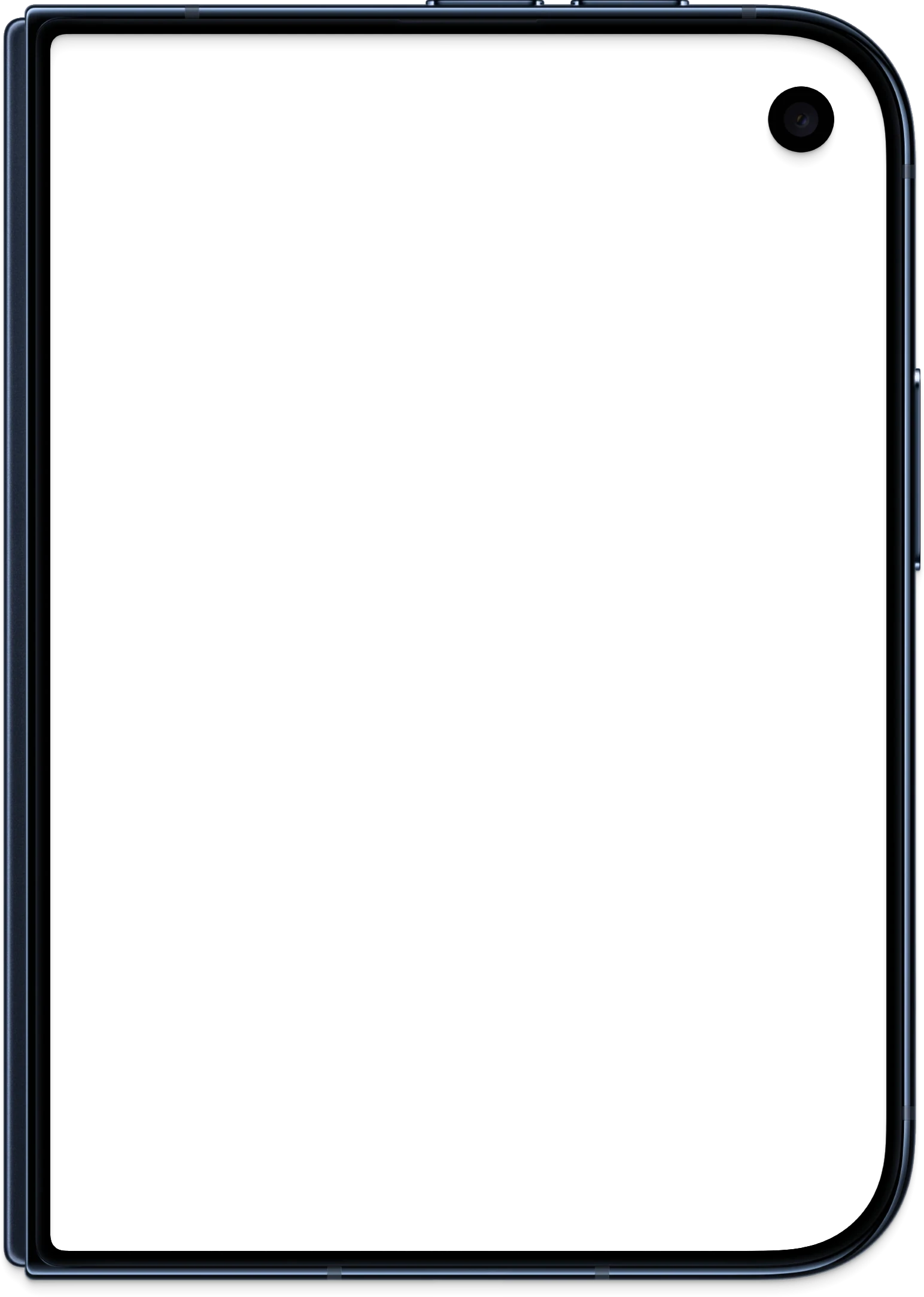
The cover leaves the top half as open sky, with the ridge low in the frame. The camera cutout sits in the pale sky, where it is subtle.
The wide version places the horizon across the display and lets the ridgelines fade into the distance. The composition is calm and horizontal, so it works well behind widgets and split-screen apps. There is no central subject to compete with the interface.
The Cover file is portrait and the Inner file is landscape. Set each file on its matching display, and preview the crop before confirming. Keep the main subject away from the top edge of the cover screen, where the clock and status area sit, and away from the camera cutout. The previews on this page are compressed WebP files; always download the original before setting it. If you use the image on a different phone, start with the Cover file for a portrait screen and the Inner file for a tablet or desktop, then crop to fit.
Prefer a written walkthrough? See the how to set an iPhone Duo wallpaper guide.
Each display has its own file at the original resolution. Download them separately, or take both together as a single ZIP.
Outer screen · portrait
1398 × 2034 px · PNG · 3.2 MB
Download PNG
Unfolded screen · landscape
2670 × 1878 px · PNG · 5.7 MB
Download PNGCover + Inner in one ZIP
8.9 MB · Original quality
Download ZIPBoth files are standard images and work on other phones, tablets and desktops. Zoom and crop to keep the main subject centered.
Tap Save Cover and Save Inner, then choose Save Image in the share sheet. If the sheet does not appear, open the image and long-press it, then choose Add to Photos.
Open Settings → Wallpaper → Add New Wallpaper → Photos, choose the portrait Cover image and adjust the crop.
Repeat with the landscape Inner image for the open display. Keep both images for a consistent light or dark appearance.
More setup details are in the iPhone Duo wallpaper setup guide. For how these pages are written, checked, and corrected, read the editorial policy.
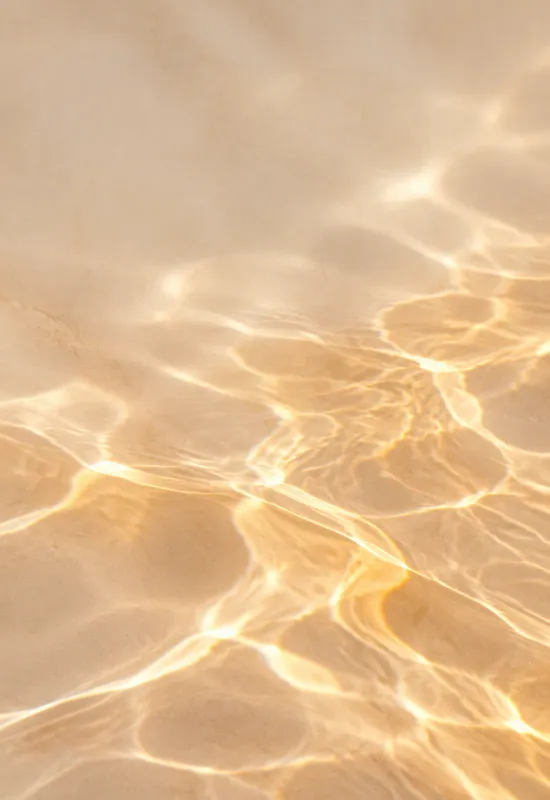
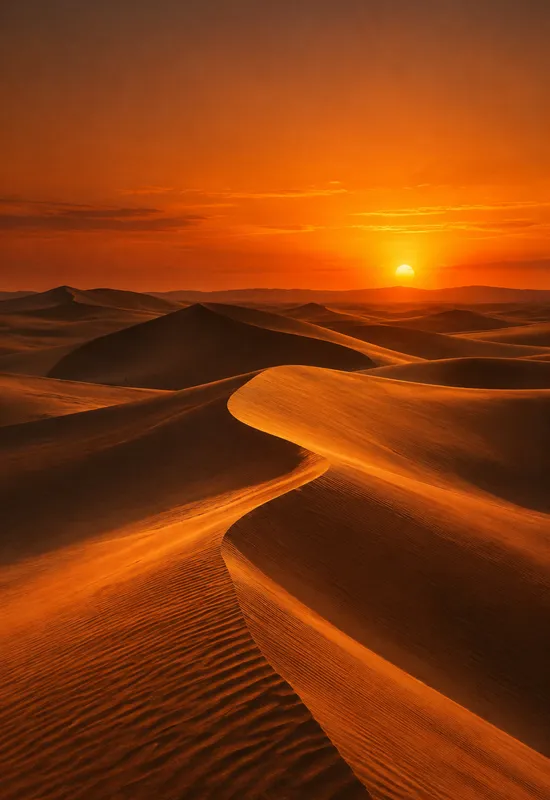
Pair it with Misty Pines for a cooler light set, or with Pale Dawn for a warmer morning palette. For contrast, use iPhone Duo Dark on the other screen.
Every set is one artwork delivered for both displays, with the same original-quality downloads.
 View & download
 View & download
 View & download
 View & download


