
 View & download
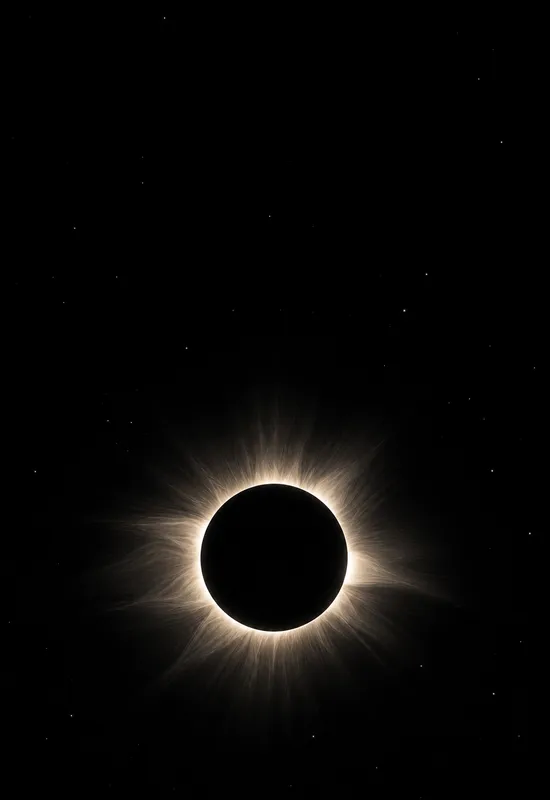
iPhone Duo Solar Eclipse
SpaceCover 1398×2034
Inner 2670×1878
Inner 2670×1878
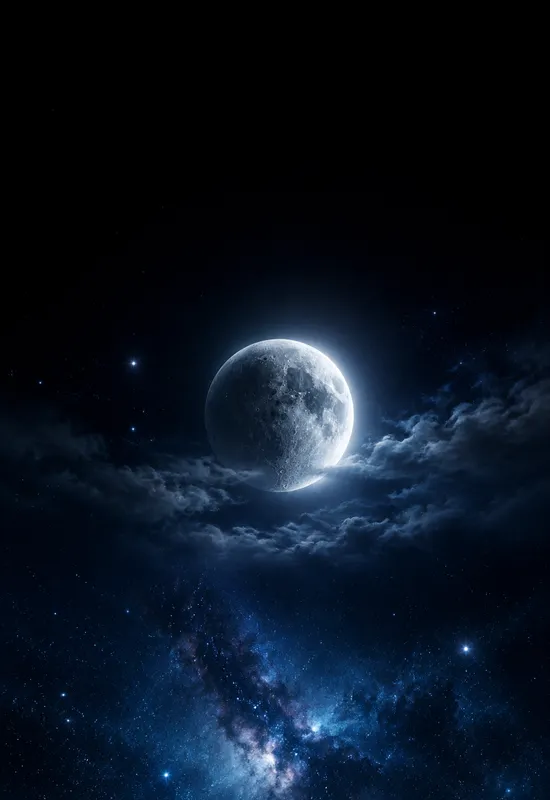
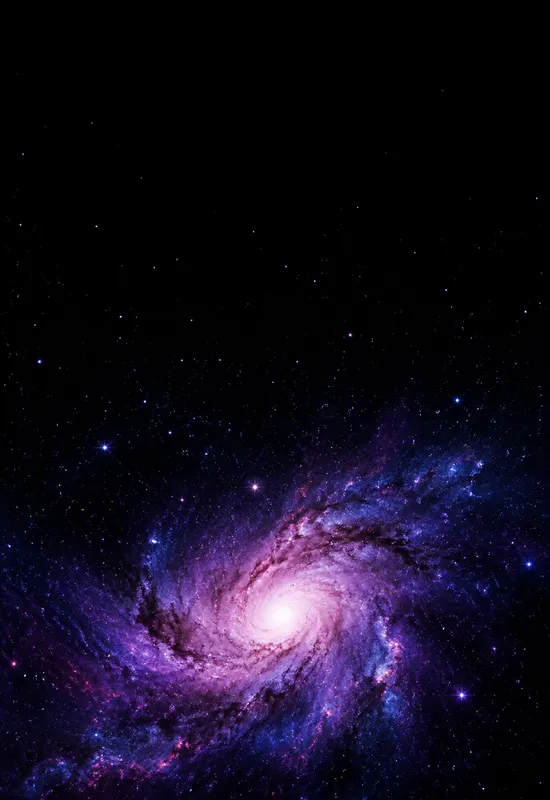
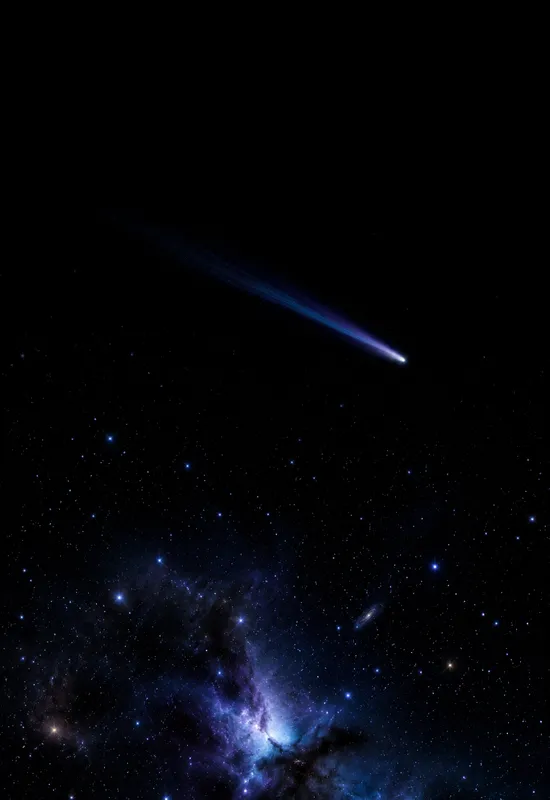
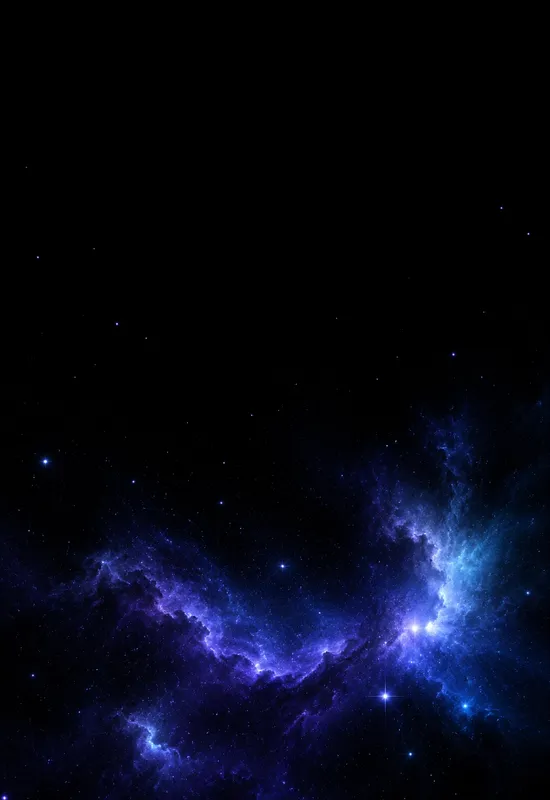
Space wallpapers use the Duo displays as part of the image: a small moon, a thin comet, or a soft nebula in a large dark field. Every set includes a portrait Cover and a landscape Inner file, so the night sky stays consistent when the phone opens.
Last reviewed: October 31, 2026 · Released October 31, 2026 · Editorial policy
9 sets, each with a Cover and an Inner original.
View & download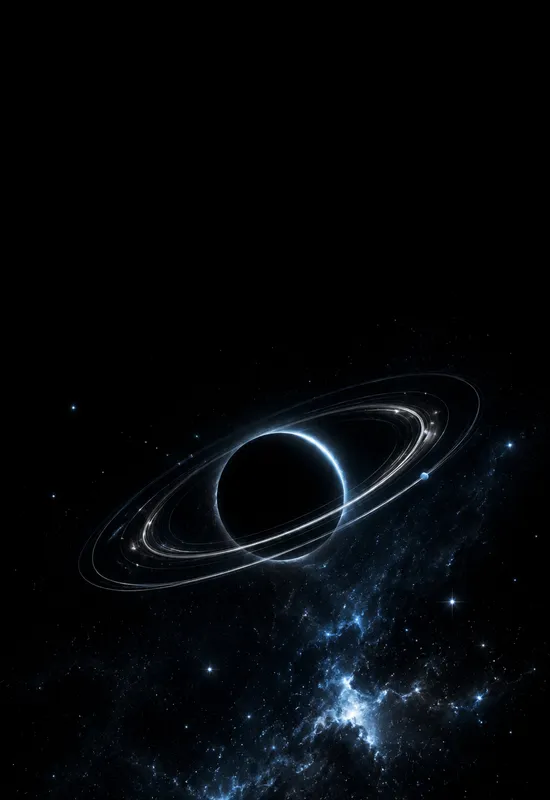 View & download
 View & download
 View & download
 View & download
 View & download
 View & download
 View & download
 View & download
A space wallpaper is mostly empty. That is the point. The dark field gives the lock-screen clock a clean background, and the small bright elements give the screen a subject without lighting up the whole panel. On a folding phone, that calm field also survives the switch from the tall cover screen to the wide inner display.
The sets in this collection are composed for both crops. The cover keeps the top black and places the moon, comet, or nebula low. The inner spreads the same scene across the wider frame without adding a second subject. The result is a pair that feels like one sky rather than two unrelated images.
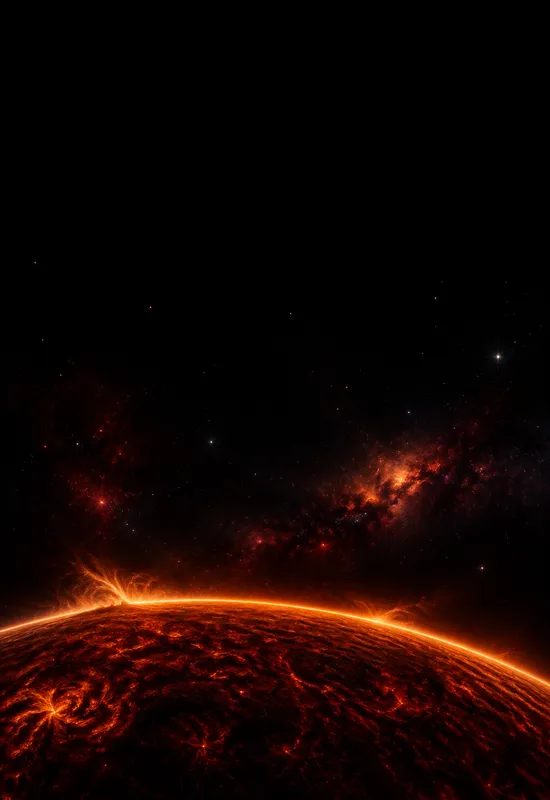
Some sets here use true black, so OLED pixels can switch off in the empty areas. Others use a deep navy or indigo sky with visible clouds and glow. Neither is automatically better. True black makes the screen disappear into the bezel; deep colour makes the image feel more like a photograph. The set page states which approach it uses.
The top of every cover is kept low-contrast. On a true-black set, white clock text has a clean field. On a deep-navy set, the sky is dark enough for white text but still has enough colour to avoid a flat black rectangle. If you use a very bright clock style, check the preview before setting it.
The cover file is portrait, so the composition is vertical: a sky above, a small subject below, and a quiet top edge for the clock and camera cutout. The inner file is landscape, so the same scene is stretched horizontally. Stars and nebulae are placed off-center to avoid a repeated middle.
This is why the pair does not look like a simple resize. The cover has more empty sky; the inner has more horizontal space around the subject. Both files keep the same palette and the same dark base, so opening the phone does not change the mood.
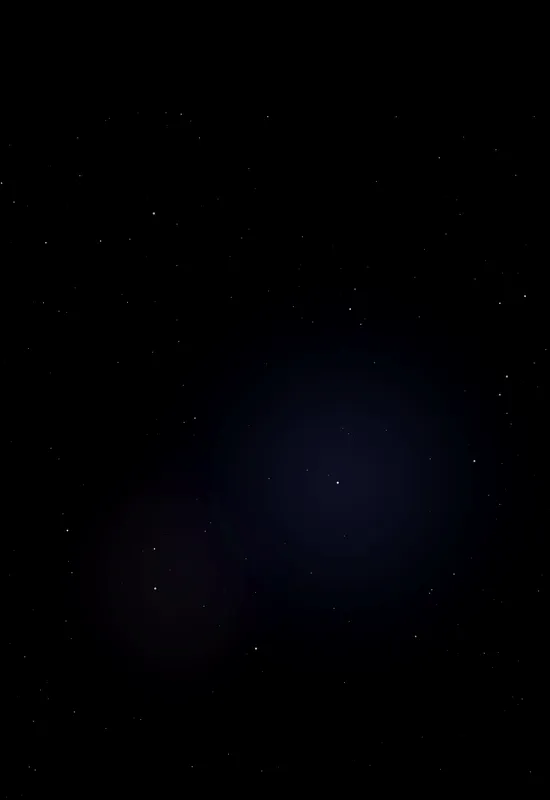
A starfield is the quietest option: small points of light in a black field. A moon adds a single large focal point and a softer glow. A nebula or galaxy adds colour and texture but is busier. If you use many widgets on the inner display, start with a starfield or a small moon; if you want a more dramatic screen, choose a nebula.
The collection also includes orbital and abstract space sets. These use rings, lines, or a comet trail rather than a realistic sky. They are a good fit if you want a graphic look without a photographic scene. The set notes below give one line on each option.
One line on each set, so you can compare them before opening a page.


