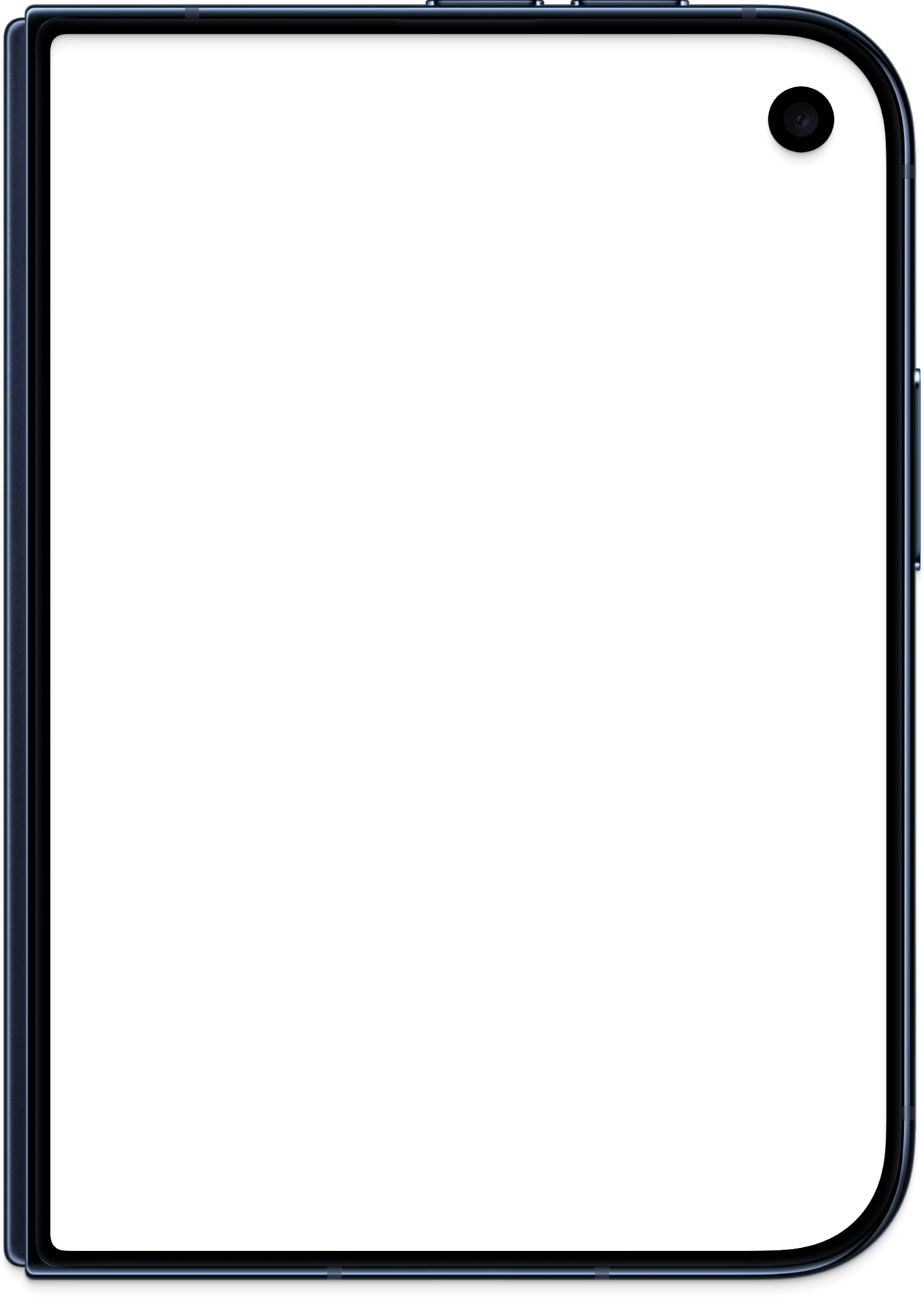

Cover display
Outer screen · portrait
1398 × 2034 px · PNG · 2.7 MB
Download PNGReleased October 29, 2026 · Last reviewed October 28, 2026
Maintained by the iPhone Duo Wallpapers editorial team · Editorial policy
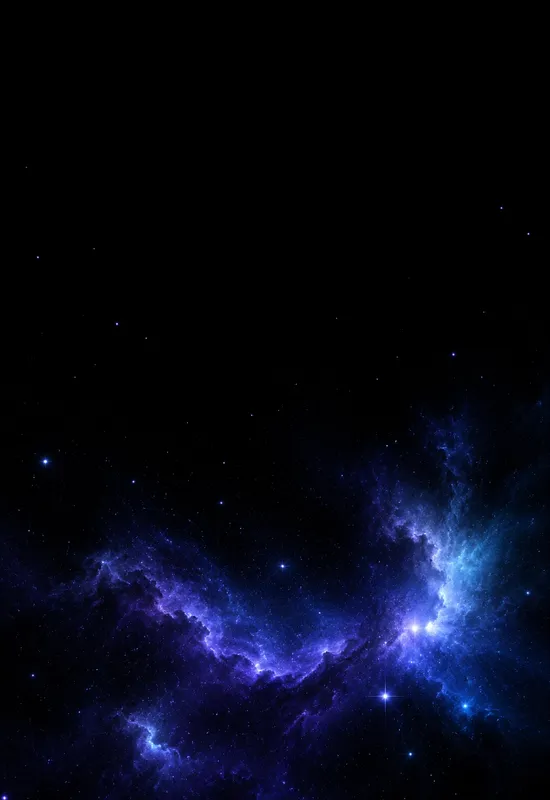
A faint blue-violet nebula across a true-black sky, with sparse stars. The cover keeps the top black for the clock, and the inner carries the nebula across the wide display.
A faint blue-violet nebula across a true-black sky, with sparse stars. The cover keeps the top black for the clock, and the inner carries the nebula across the wide display. A faint blue-violet nebula drifting across a true-black sky, with sparse stars and a low glow. The composition uses the blackness of the display as part of the image: stars, a moon, or a nebula sit in a large dark field, so the panel can switch off the empty areas. The top of the cover is kept dark and low-contrast, so white clock text stays readable. On the inner display, the dark field leaves room for widgets without competing with the artwork.
True black, blue-violet, soft cyan, and white starlight. The top of the cover is kept dark and low-contrast, so white clock text stays readable. On the inner display, the dark field leaves room for widgets without competing with the artwork.
The portrait crop keeps the top black and places the nebula low. The cover keeps the top black and places the brightest stars or nebula low, away from the clock and camera cutout.
The wide crop spreads the nebula across the display, with black edges. The wide crop spreads the stars or nebula across the display and keeps the dark edges, so the screen feels larger.
The Cover file is portrait and the Inner file is landscape. Set each file on its matching display, and preview the crop before confirming. Keep the main subject away from the top edge of the cover screen, where the clock and status area sit, and away from the camera cutout. The previews on this page are compressed WebP files; always download the original before setting it. If you use the image on a different phone, start with the Cover file for a portrait screen and the Inner file for a tablet or desktop, then crop to fit.
Prefer a written walkthrough? See the how to set an iPhone Duo wallpaper guide.
Each display has its own file at the original resolution. Download them separately, or take both together as a single ZIP.
Outer screen · portrait
1398 × 2034 px · PNG · 2.7 MB
Download PNG
Unfolded screen · landscape
2670 × 1878 px · PNG · 5.4 MB
Download PNGCover + Inner in one ZIP
8.1 MB · Original quality
Download ZIPBoth files are standard images and work on other phones, tablets and desktops. Zoom and crop to keep the main subject centered.
Choose the portrait Cover file for the outer screen and adjust the crop.
Choose the landscape Inner file for the open display and position it.
Keep both files together for a consistent light or dark appearance.
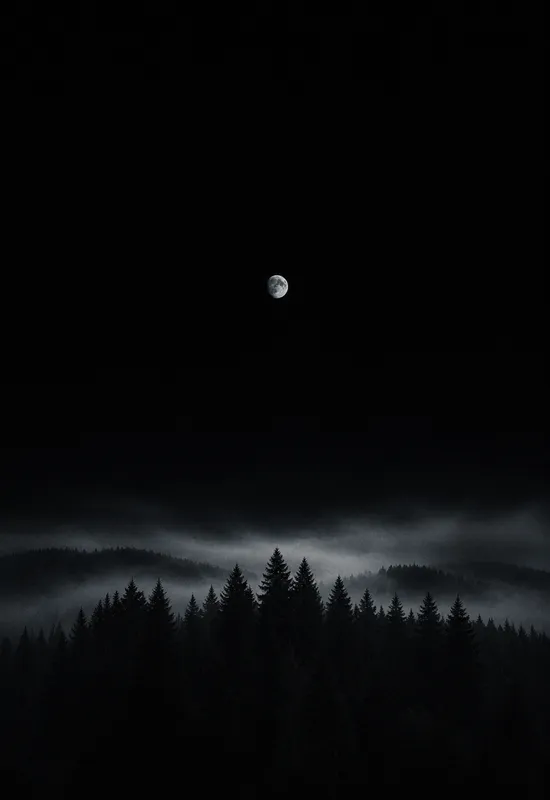
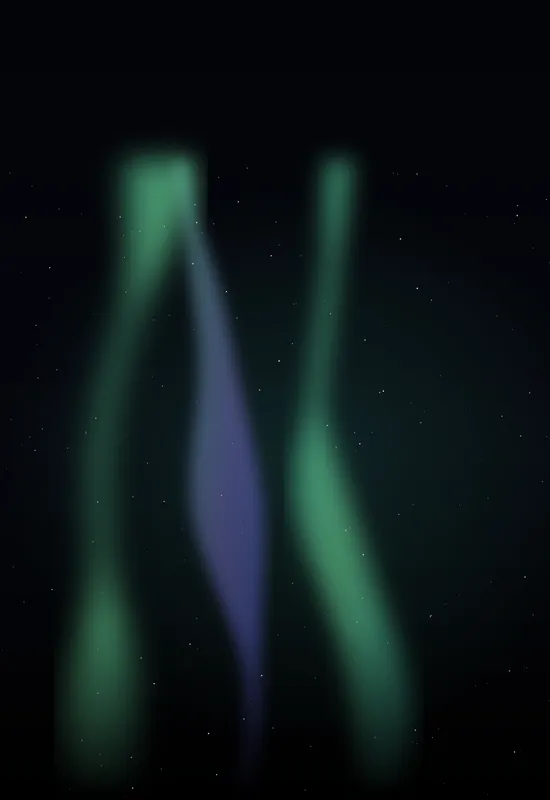
Pair it with Starfield Minimal for a quiet space pair, or with Aurora Veil for more colour. Both sets use dark fields and small bright details, so the pair feels like one night sky.
More setup details are in the iPhone Duo wallpaper setup guide. For how these pages are written, checked, and corrected, read the editorial policy.
Every set is one artwork delivered for both displays, with the same original-quality downloads.
 View & download
 View & download
 View & download
 View & download


