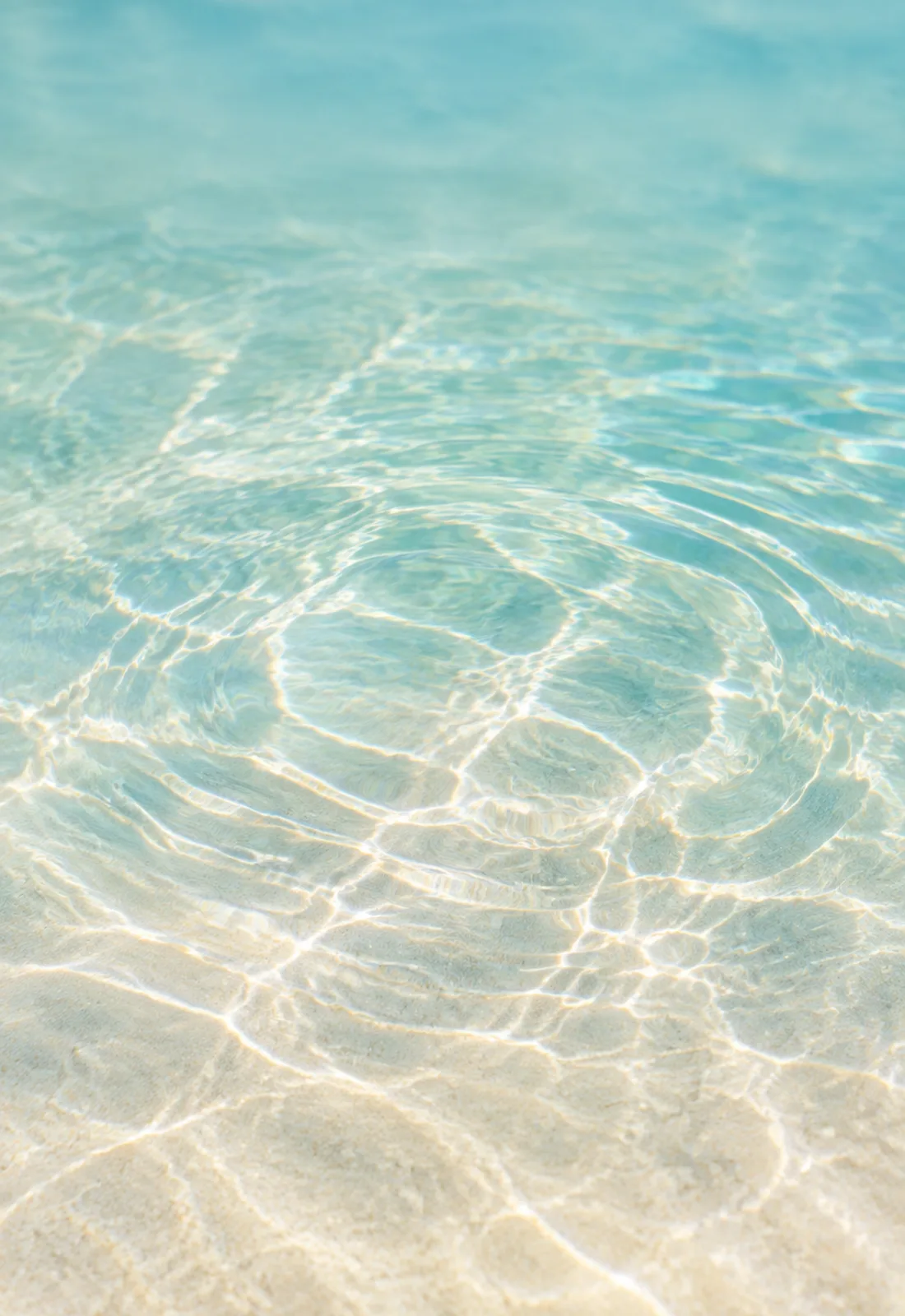
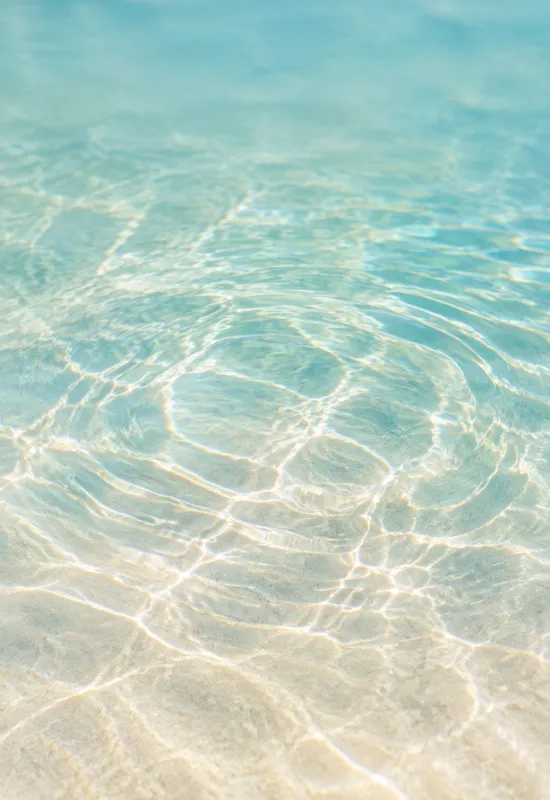
Cover display
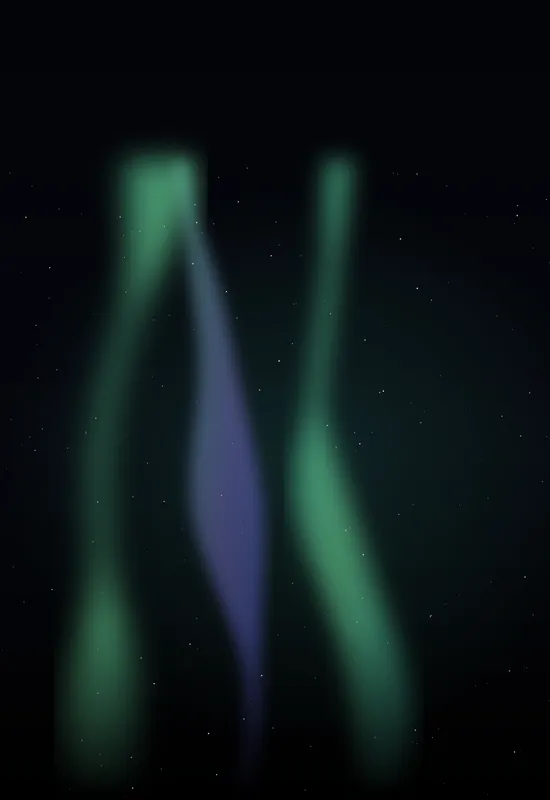
Outer screen · portrait
1398 × 2034 px · PNG · 5.2 MB
Download PNGEach display has its own file at the original resolution. Download them separately, or take both together as a single ZIP.
Outer screen · portrait
1398 × 2034 px · PNG · 5.2 MB
Download PNG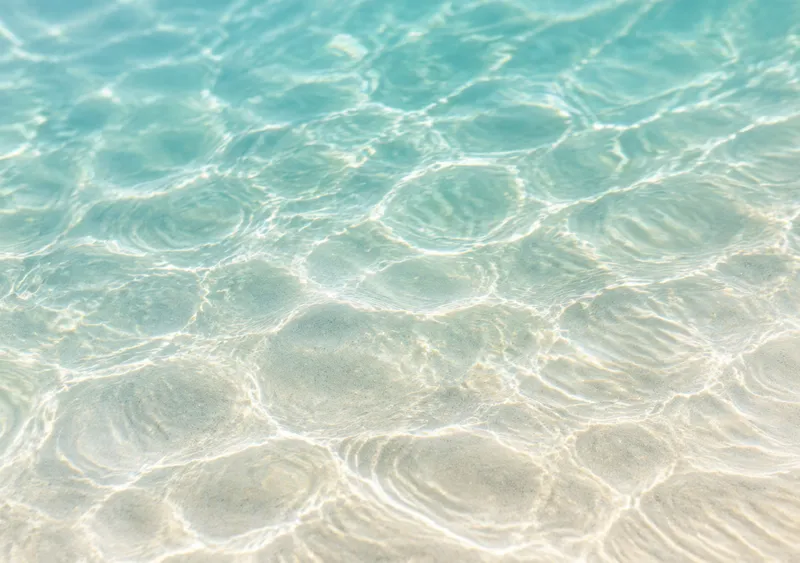
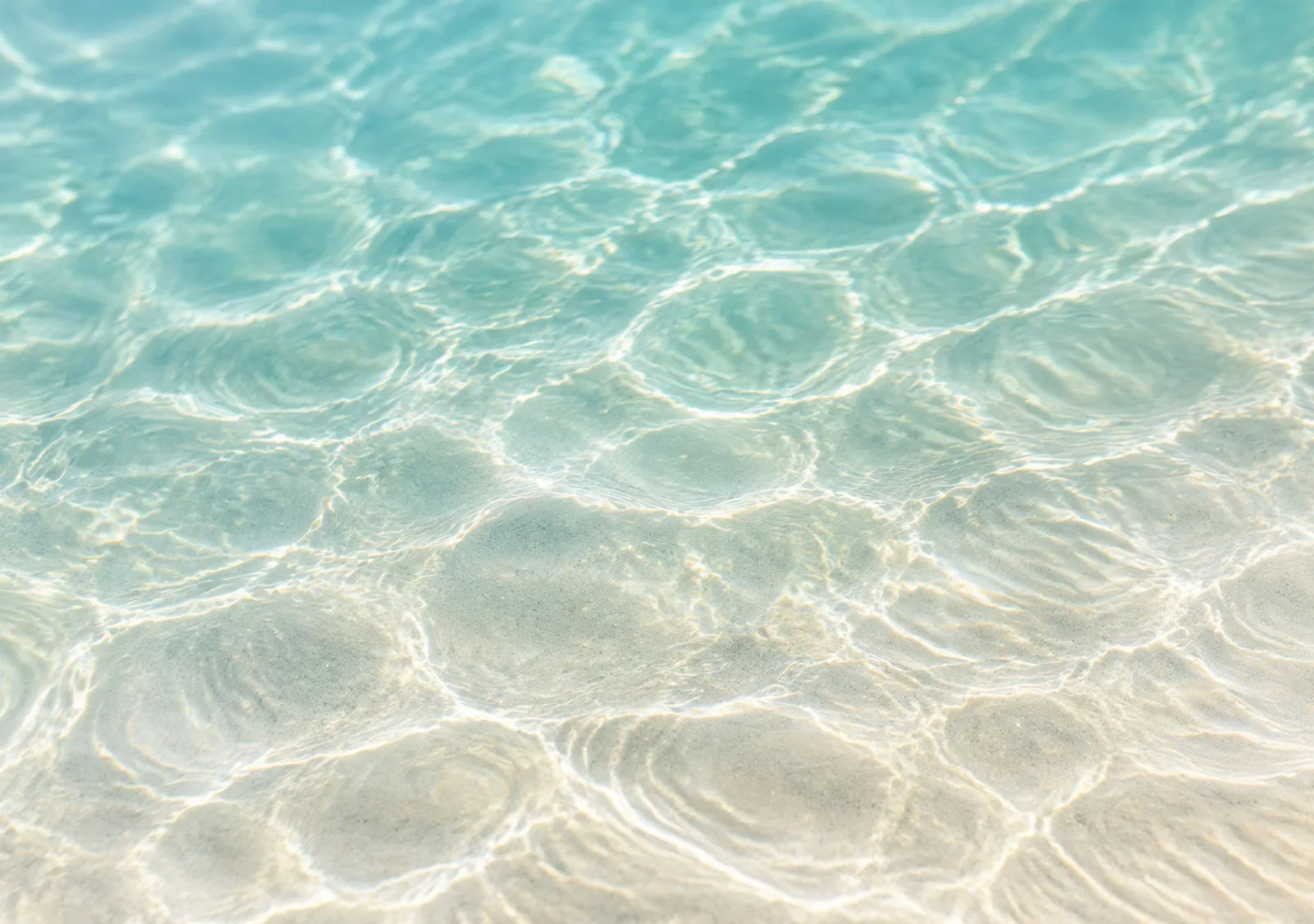
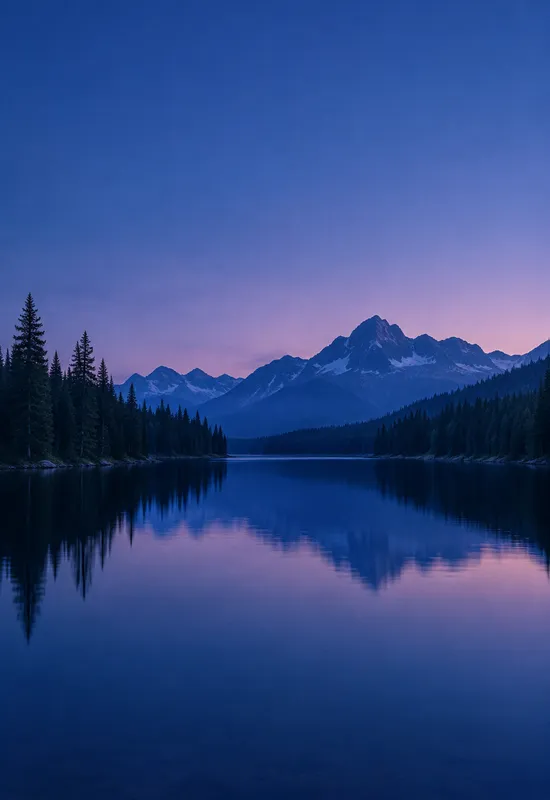
Unfolded screen · landscape
2670 × 1878 px · PNG · 9.3 MB
Download PNGCover + Inner in one ZIP
14.5 MB · Original quality
Download ZIPBoth files are standard images and work on other phones, tablets and desktops. Zoom and crop to keep the main subject centered.
Choose the portrait Cover file for the outer screen and adjust the crop.
Choose the landscape Inner file for the open display and position it.
Keep both files together for a consistent light or dark appearance.
Every set is one artwork delivered for both displays, with the same original-quality downloads.
 View & download
 View & download
 View & download
 View & download


